Digital Business Card on Your Own Domain (Setup)

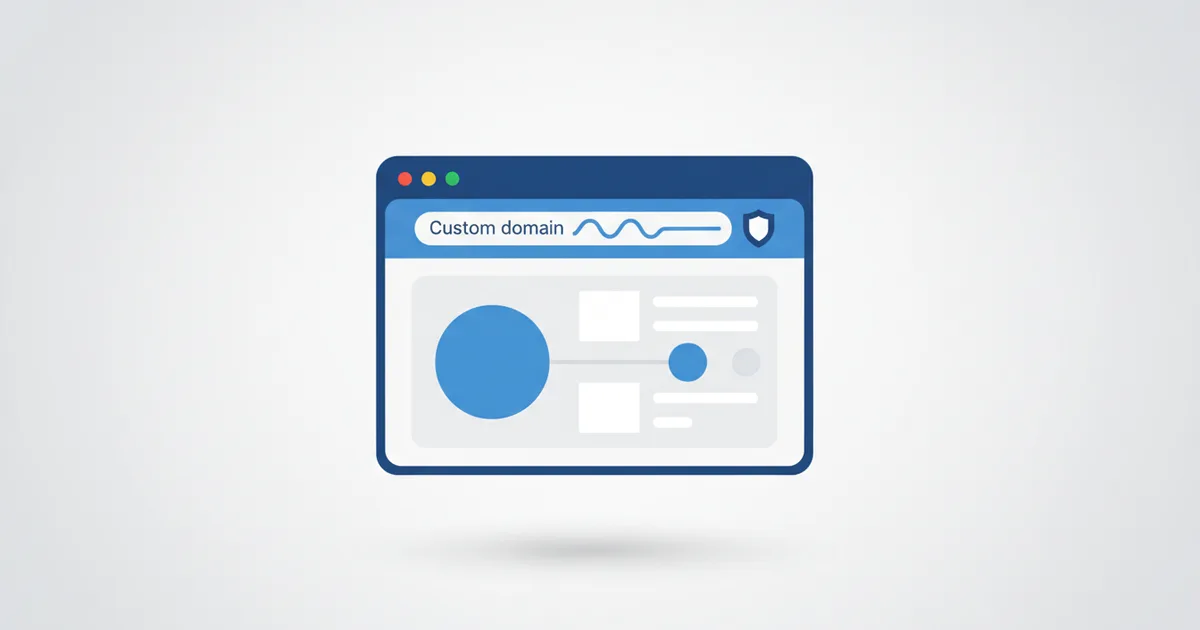
Yes, your digital business card can live on your own domain. Point card.yourname.com or card.yourcompany.com at your ScaanMe digital business card with a single DNS record: HTTPS is issued automatically, nothing needs hosting, and your original scaanme.com link keeps working as a fallback. Setup takes about ten minutes plus DNS propagation time. This guide walks through the exact steps, what happens technically, and the questions people ask before switching.
Why the URL on your card matters
Your card URL repeats everywhere: WhatsApp messages, email signatures, printed QR codes, Instagram bios, proposals. Every repetition either builds your brand or someone else's. Over a year of networking that is thousands of impressions, and a branded link turns each one into quiet advertising for you rather than for a platform.
| Generic URL | Custom domain |
|---|---|
| scaanme.com/u/abc123 | card.ahmadkhalil.com |
| Looks third-party | Looks professional and owned |
| Hard to remember | Memorable and brandable |
| Limited trust signal | Strong brand authority |
| Changes if you switch platforms | Yours for life, wherever it points |
There is also a trust layer. Browsers now treat encryption as the baseline: the Google Transparency Report shows that the overwhelming majority of Chrome page loads are already served over HTTPS. A branded HTTPS link is simply what clients expect from a serious business, and ScaanMe issues the SSL certificate for your custom domain automatically.
Who should use a custom domain
- Consultants: a branded link signals authority before the first meeting.
- Agencies: each team member gets a card under the company domain, so every share promotes the agency.
- Executives: leadership-level professionalism down to the URL.
- Freelancers: your name is your brand; your card link should carry it.
How to set it up
- Buy a domain from any ICANN-accredited registrar, or use a subdomain of a domain you already own, like card.yourcompany.com.
- In the ScaanMe dashboard, open Settings, then Custom Domain.
- Add your domain and verify ownership by creating the DNS record shown on screen at your registrar.
- Wait for verification, then open your card at the new URL. The SSL certificate is issued for you.
- Your original scaanme.com URL keeps working as a fallback, so nothing you printed breaks.
Technical details worth knowing
- SSL included: your custom domain gets HTTPS automatically, no certificate purchase or renewal on your side.
- No hosting needed: ScaanMe serves the card; the domain just points at it.
- Fast propagation: DNS changes typically resolve in 5 to 30 minutes, though some registrars take up to 24 hours.
- Disconnect anytime: remove the domain with one click and the card falls back to its original link.
- QR codes stay valid: regenerate your QR to use the branded URL, or keep the old one; both resolve to the same card.
Common mistakes to avoid
- Pointing the root domain at your card when your website already lives there: use a subdomain like card.yourcompany.com instead.
- Letting the domain registration lapse: set auto-renew at your registrar, since an expired domain takes your card link with it.
- Forgetting to update printed materials: once verified, put the branded link on new prints and signatures.
What it costs
You bring the domain, which typically costs a few dollars a year at any registrar. ScaanMe gives every plan, including the free one, a personalised link you pick yourself; connecting a domain you own is not part of the current plans. Compare plans on the pricing page, and once live, watch how the branded link performs with the card analytics guide.
Carry the brand into their wallet
A branded link is one surface, the phone home screen is another. Anyone you share the card with can save it as an Apple or Google Wallet pass, so your name and logo sit next to their boarding passes and bank cards, no app required. The pass auto-updates when you edit the card, and you can reach every holder with a lock-screen Holder Broadcast when something changes. Your custom domain brands the link, the wallet pass brands the lock screen.
FAQ
Can I use a subdomain like card.mycompany.com?
Yes, and it is the recommended setup when your main domain already hosts a website. The subdomain points at your card while your site stays untouched.
Do I keep the scaanme.com link after connecting my domain?
Yes. The original link keeps working as a fallback, so QR codes and links you already shared never break.
Do I need hosting for the custom domain?
No. ScaanMe serves your card; you only create one DNS record at your registrar. There is nothing to install, host, or renew apart from the domain itself.
How long does DNS verification take?
Usually 5 to 30 minutes after you add the record. Some registrars propagate slowly, so allow up to 24 hours before troubleshooting.
Does a custom domain change my analytics or QR codes?
No. Views, taps, and contact saves are tracked the same whichever link the visitor used, and existing QR codes keep resolving to your card. The only change your clients notice is that the link now carries your name instead of a platform name.