Can You Track Who Views Your Digital Business Card?

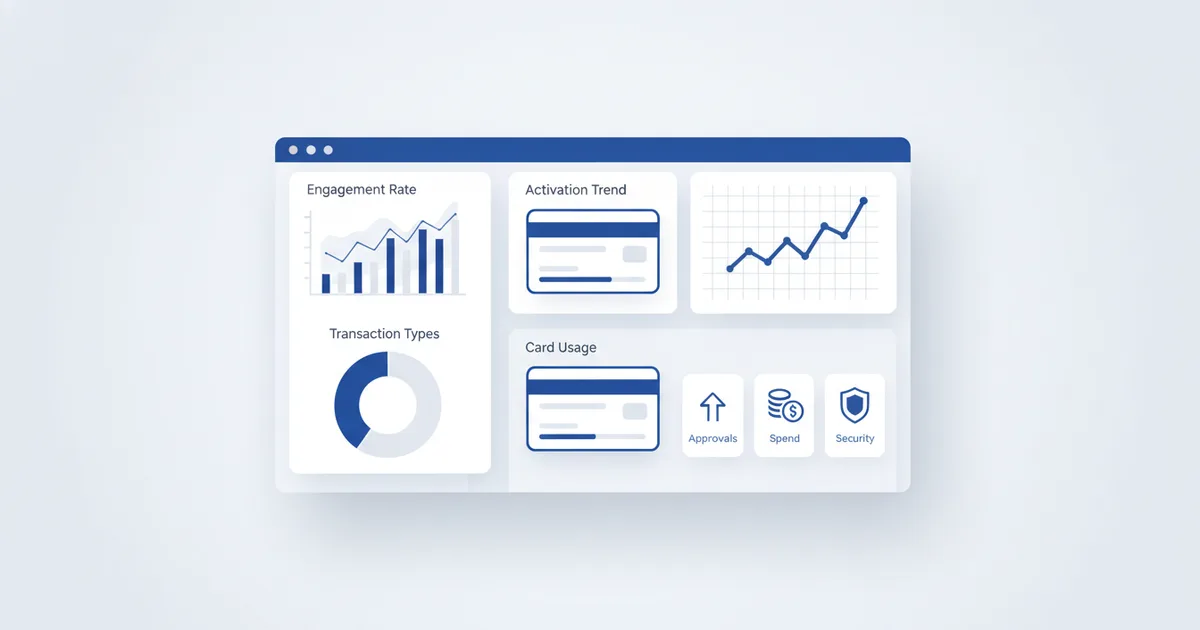
Can you track who views your digital business card? You can track how many people viewed it, when, from which city, on which device, and whether they tapped your NFC card or scanned your QR code. What you cannot see is the personal identity of an anonymous viewer, and that is by design: analytics on a ScaanMe digital business card are aggregate, not surveillance. Here is exactly what the dashboard shows, what it deliberately does not, and how to turn the numbers into follow-ups and bookings.
What you can see
| Metric | What it tells you |
|---|---|
| Total views | How many times your card was opened |
| Unique visitors | How many distinct people, versus repeat views |
| NFC taps vs QR scans | Which sharing method works harder for you |
| Geographic data | Which cities and countries your viewers are in |
| Device breakdown | iOS vs Android vs desktop |
| Peak hours | When people are most likely to open your card |
| Contact saves | How many downloaded your .vcf contact file |
| Link clicks | Which links get the most engagement |
| Wallet pass saves | How many kept your card in Apple or Google Wallet, net of removals |
What you cannot see, on purpose
No name, phone number, or email of a viewer is captured unless that person chooses to share it, for example by filling your contact form or booking a slot. That line matters legally as well as ethically: aggregate analytics keep you clear of the consent obligations that identity tracking triggers under GDPR and the regional data laws covered in our digital card privacy guide. The same aggregate-only rule applies to every channel: an NFC tap or QR scan records the channel and the moment, never the person behind it.
Good card analytics answer "is my networking working?" without ever asking "who exactly was that?"
How to act on the numbers
After a networking event
Check the dashboard the next morning. Fifty handshakes and eighteen card views is a 36% conversion from meeting to digital connection, and that ratio tells you how warm the room was, so you know how hard to work your same-week follow-ups with the contacts you collected.
For sales teams
Compare views, saves, and clicks across team members. Who shares most effectively? Which exhibitions generate real engagement instead of badge-scanning theater? Move budget accordingly, and judge on monthly trends rather than single events: one conference is noise, a quarter is a pattern.
For content optimization
If your portfolio link gets triple the clicks of your booking link, the card layout is telling you what visitors want first. Promote the booking button or reorder sections, then watch whether the ratio moves.
For geographic targeting
Viewers clustering in a city you never visit are a market signal. An agent in Amman seeing steady views from Irbid has a reason to schedule a day there; a consultant with Gulf viewers can adjust languages and hours to match.
For choosing NFC vs QR
If taps dwarf scans, keep investing in NFC sharing; if printed QR posters drive most traffic, print more of them. The split settles the debate with data. With 5.56 billion people online per DataReportal's Digital 2025 report, nearly everyone you meet can open the card; analytics tell you which door they came through.
For loyalty and retention
Wallet pass saves are your clearest retention signal. When someone keeps your Apple or Google Wallet pass, they opted in to hear from you again, and the net save count, saves minus removals, tells you how loyal that audience is. Send those holders a Holder Broadcast when you have news, and watch whether saves climb after each campaign.
What each plan includes
| Plan | Analytics |
|---|---|
| Free plan | Total views and basic stats |
| Paid plans, from $7.99/month | Full analytics: geography, devices, peak hours, link clicks, and team comparison on higher tiers |
Details and current tiers are on the pricing page.
FAQ
Can I see exactly who viewed my card?
No, and no honest platform can. You see counts, cities, devices, and times, not identities. A viewer becomes known to you only when they choose to act: saving your contact, submitting your form, or booking a meeting.
What is the difference between NFC taps and QR scans in the stats?
A tap means someone touched your physical NFC card with their phone; a scan means they pointed a camera at your printed or on-screen QR. Tracking them separately shows which sharing channel earns its keep.
Do I get notified when someone saves my contact?
Contact saves appear in your dashboard stats, so you watch the save count climb after events. Notifications land for actions that include the visitor's own details, like form submissions and bookings.
Why do my views jump but saves stay flat?
Usually a content problem, not a traffic problem. Viewers open the card and leave without acting, so tighten the headline, put WhatsApp and save buttons first, and check the link-click table for what people actually touch.