بطاقة رقمية للمعارض والمؤتمرات: اجمع كل عميل محتمل

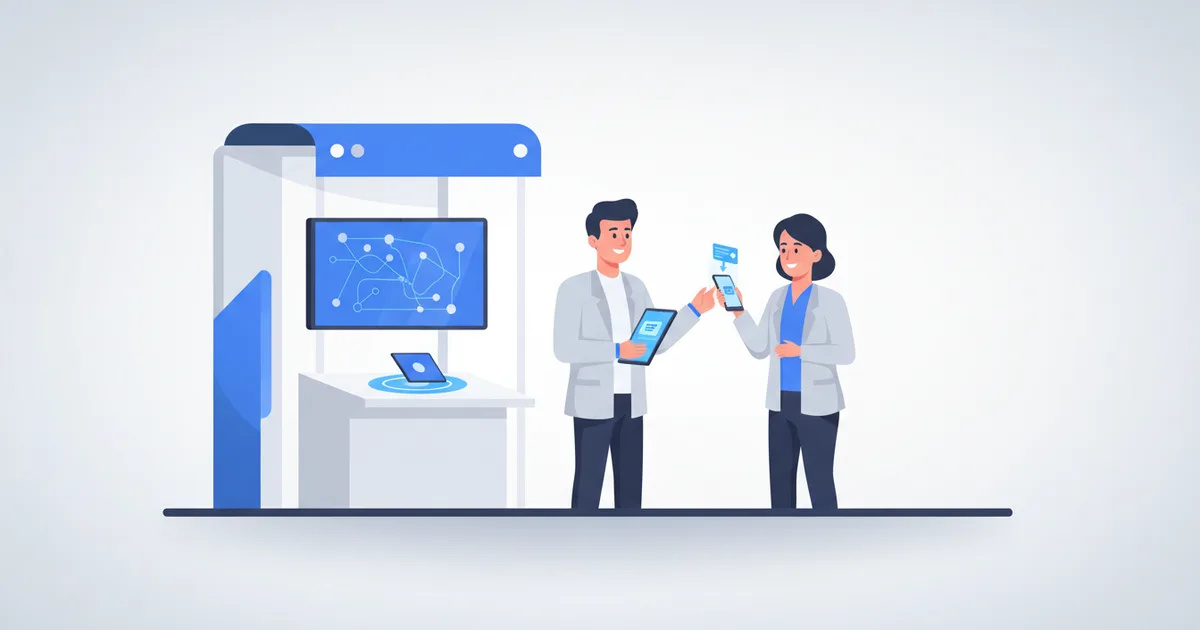
في المعرض، البطاقة الرقمية تستبدل علبة البطاقات الورقية وكومة البطاقات المجموعة بلمسة NFC واحدة أو مسحة QR تلتقط كل جهة اتصال تلقائياً. بدلاً من إدخال الأسماء يدوياً من بطاقات مجعدة بعد أسبوع، كل زائر ترك بياناته عبر نموذج الالتقاط موجود مسبقاً في قائمة مع الوقت والمصدر، جاهز للمتابعة في نفس المساء. إليك كيف تديرها في الفعاليات المهمة في منطقتنا، من ليب وبيبان في الرياض إلى جيتكس في دبي ومعارض عمّان ومدينة الكويت.
مشكلة المتابعة
أبحاث قطاع التقاط العملاء التي جمعتها Expo Pass تضع الرقم بصراحة: حوالي 80% من عملاء المعارض المحتملين لا يتلقون أي متابعة على الإطلاق، وتحليل Momencio يظهر أن العارضين الذين يتابعون خلال أول 24 ساعة يحولون العملاء بأضعاف من ينتظرون أسبوعاً. عنق الزجاجة ليس المحادثة في الجناح أبداً؛ بل إدخال البيانات اليدوي الذي يليها.
الرابح في المعرض ليس من يوزع بطاقات أكثر، بل من يتابع أولاً مع كل زائر أبدى اهتماماً حقيقياً.
الفعاليات التي يهم فيها هذا
إذا كنت تعرض في أي مكان بالمنطقة فأنت تعرف التقويم: ليب وبيبان في الرياض يجذبان مئات آلاف الزوار بينهما، وجيتكس يملأ دبي كل أكتوبر، وغرف التجارة الأردنية تقيم معارض في عمّان على مدار السنة، إضافة إلى معارض الكويت المتخصصة في العقار والتجزئة. عند هذا الحجم من الزوار ينهار الجمع الورقي تماماً، والالتقاط الرقمي هو الطريقة الوحيدة التي تجعل فريق جناح واحد قادراً على مواكبة هذا التدفق دون أن يفلت منه عميل جاد واحد.
الإعداد قبل الفعالية
- حدّث ملفك بمعلومات الفعالية: رقم الجناح والعرض الخاص ورابط الاجتماعات
- اربط بطاقة NFC: يربط Scaanme أي بطاقة NFC تملكها مجاناً، بدون شراء أي جهاز
- اطبع رموز QR على اللافتات وحاملات الطاولات والشارات
- فعّل [التقاط بيانات الفعاليات](/products/event-lead-capture) ليترك الزوار بياناتهم عند المسح
خلال الفعالية
اللقاءات الفردية: المس بطاقة NFC بهاتف الزائر ويفتح ملفك الكامل خلال ثانيتين تقريباً.
زوار الجناح: اعرض رموز QR على اللافتات؛ الزوار يمسحون ويرون كتالوجك وعرضك فوراً.
العروض التقديمية: ضع رمز QR في الشريحة الأخيرة، حين تكون هواتف القاعة كلها في الأيدي.
ما الذي يُلتقط
- الاسم وبيانات التواصل من كل زائر عبّأ نموذج الالتقاط بعد لمسة أو مسح
- الوقت والمصدر، NFC أم QR، لتعرف أي قناة نجحت فعلاً
- ملاحظاتك على كل عميل محتمل والمحادثة ما زالت طازجة
- تصدير إلى CSV أو مزامنة مع Google Sheets أو إدارة داخل نظام CRM المدمج
المتابعة بعد الفعالية
- أرسل أول متابعة واتساب أو بريد خلال 24 ساعة، والشارات ما زالت في الجيوب
- اذكر الفعالية والمحادثة بالتحديد؛ الرسائل الجماعية العامة تُتجاهل
- وجّه العملاء الجادين إلى مسار واتساب؛ دليل متجر الواتساب يوضح كيف تصل الطلبات والاستفسارات إلى محادثة واحدة
- راقب تحليلات البطاقة لترى كم شخصاً أعاد فتح ملفك بعد المعرض وأي الروابط أعادته، ثم قدّم العملاء الذين عبّأوا نموذجك بأسمائهم
مقارنة: الورق مقابل الرقمي في الفعاليات
| العامل | بطاقات ورقية | بطاقات رقمية |
|---|---|---|
| ما تحمله | 200-500 بطاقة مطبوعة | بطاقة NFC واحدة |
| التقاط البيانات | إدخال يدوي | تلقائي |
| سرعة المتابعة | أيام | نفس اليوم |
| تتبع القنوات | لا شيء | NFC مقابل QR لكل عميل |
| التكلفة لكل فعالية | إعادة طباعة كل مرة | صفر بعد الإعداد |
الأسئلة الشائعة
كيف أجمع بيانات الزوار بدون جهاز مسح الشارات؟ ضع رمز QR على لافتتك يفتح بطاقتك مع تفعيل التقاط البيانات. الزائر يمسح ويرى ملفك ويترك بيانات تواصله؛ بلا جهاز مستأجر وبلا رسوم وصول للشارات.
هل تعمل البطاقات الرقمية في قاعات مزدحمة بإنترنت ضعيف؟ لمسة NFC ومسح QR يعملان فوراً، والملف يحتاج اتصالاً بسيطاً ليُحمّل، أقل بكثير من مكالمة فيديو. وبياناتك الملتقطة تتزامن فور عودتك لشبكة مستقرة.
ماذا أرسل بعد الفعالية؟ رسالة شخصية قصيرة خلال 24 ساعة تشير إلى المحادثة نفسها، مع رابط بطاقتك وخطوة تالية واحدة واضحة، مثل موعد اجتماع أو كتالوج. جهّز حسابك مجاناً عبر صفحة التسجيل قبل معرضك القادم.