How to Share Your Digital Card Without Awkwardness

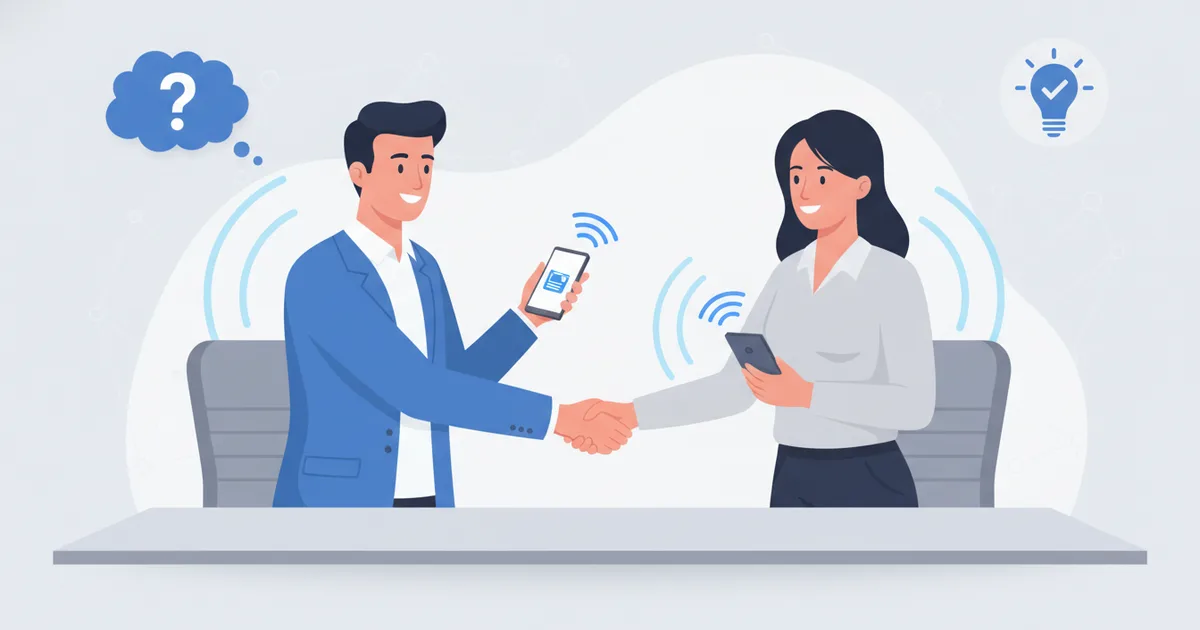
Switching from paper to digital cards is not just a technology change; it is a behavioral change. The first few times you share a digital card can feel unnatural, especially if the other person expects a traditional card. Getting this right is a skill, and like any skill, it becomes automatic with repetition.
The good news: the tap gesture itself is already familiar to everyone you meet. Visa reports that tap-to-pay now makes up 80% of face-to-face transactions globally outside the US. Holding a card near a phone is normal behavior; you are just pointing it at a profile instead of a payment.
The Three Sharing Scenarios
Scenario 1: One-on-one meeting
The cleanest context. The conversation naturally reaches the exchange moment.
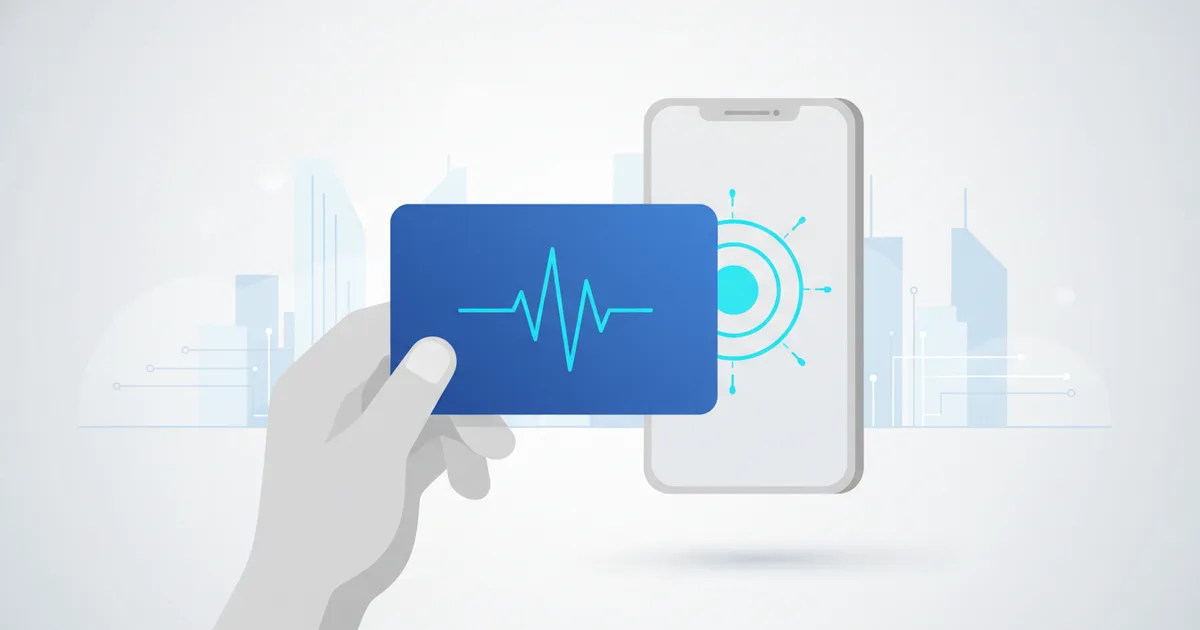
NFC approach: say "Here, let me share my details", then hold your NFC card near their phone (back of the phone for most Android, top edge for iPhone). Their phone prompts to open your profile. If nothing happens in 2 seconds, say "Try the top of your phone" or flip the card. If it still fails, switch to QR without commentary.
QR approach: "Let me show you my card", then display your QR on your phone. They scan with the camera app.
Direct link: "I'll send you my card on WhatsApp". The most universally reliable method, zero hardware involved.
Scenario 2: Group setting (3-8 people)
Do not NFC-tap around a dinner table; it becomes a spectacle. Better: "I'll drop my card in the WhatsApp group", or share individually after the meeting. If there is a clear moment, place your QR on the table: "Feel free to scan this if you want my details."
Scenario 3: Conference or event
Events are the easiest context; digital sharing is increasingly the expectation. GITEX Global 2025 alone brought 200,000+ professionals to Dubai, and at that density the tap is the default greeting among tech professionals. For contacts who seem unfamiliar with NFC, the QR is lower friction: "Scan this and you'll have my full profile." Setup details for any card type are in our NFC sharing guide, and if you work Dubai events specifically, see the NFC card in Dubai guide.
Phrases That Work in Different Markets
| Context | English | Arabic (Levant) | Arabic (Gulf) | Arabic (Egypt) |
|---|---|---|---|---|
| Initiating NFC | "Let me share my details with a tap" | "Khalleeni ab'atlak bayanati bi-lamseh" | "Khallni arsil lak bayanati bi-lamsah" | "Sebni ab'atlak bayanati" |
| QR approach | "Scan this to get my full profile" | "Imsah el-ramz w byoosalak malaffi el-kamel" | "Imsah al-ramz w yoosalik malaffi kamlan" | "E'mel scan lel-code w hayoosalak malaffi" |
| WhatsApp share | "I'll send you my digital card" | "Bab'atlak bitaqti ala WhatsApp" | "Arsil lak bitaqati ala WhatsApp" | "Hab'atlak el-card ala WhatsApp" |
| After sharing | "The booking link is there if you want to schedule time" | "Rabet el-hajez mawjood iza habeb thaded maw'ed" | "Rabt al-hajz mawjood law tabi thaddid maw'id" | "Link el-hagz mawgood law habeb tehaded ma'ad" |
Never say anything that translates "tap" as physical touching of the person. The phrase is always about sending the details, not touching anyone.
What to Do When They Don't Have NFC
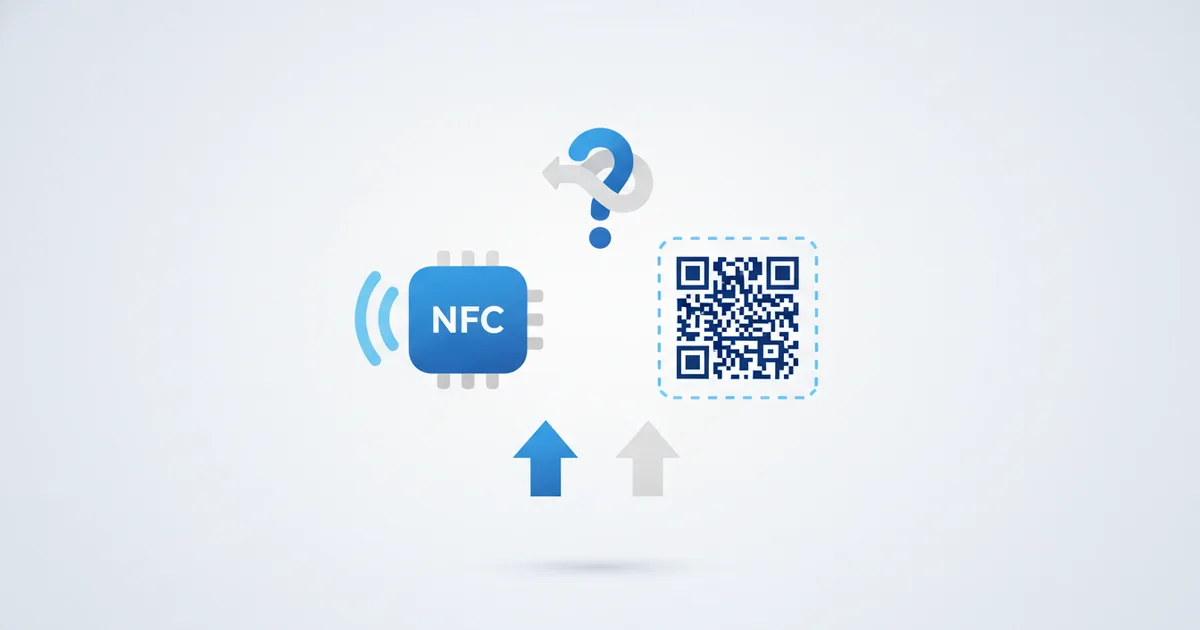
NFC works on iPhone XS and later automatically, and on most Android phones from 2015 onward. But some people carry older phones, keep NFC off, or are simply unsure. Be ready: switch to QR immediately without making it a moment. "No problem, here's my QR." Phone out, QR visible, done in 3 seconds. The fallback chain is always NFC, then QR, then WhatsApp link, and all three open the same digital business card.
After the Tap: What Happens Next
When someone taps your card, their phone opens your profile while you are standing there. Say nothing; let them look. After 5-10 seconds: "Feel free to save my contact from there, or book a call if that's useful." Practical guidance, not pressure.
The Reciprocal Exchange Problem
In traditional card culture, exchange is a bilateral ritual. Digital cards change the choreography. If someone hands you a paper card after you shared digitally: receive it respectfully with both hands, thank them, and put it away carefully. Never comment on paper versus digital. Let your card speak for itself.
The smoothest digital card exchange is the one nobody notices happened.
When Not to Share Your Card
- During active negotiation: sharing mid-negotiation signals eagerness. Wait until terms are settled.
- In formal introductions: where a senior person sets the pace, wait for the exchange to be initiated.
- At social events: a casual gathering is not a card exchange venue unless the other person opens a business conversation.
Building the Habit
The awkwardness fades after the first 10 uses. Practice in low-stakes settings, with colleagues and vendors, before high-stakes client meetings. Most professionals report that within 2-3 weeks the digital exchange feels more natural than paper ever did.
FAQ
What do you say when sharing an NFC card?
One short sentence that frames the action: "Let me share my details with a tap." Then hold the card near their phone and let the prompt do the rest. Avoid explaining the technology unless they ask.
What if their phone has no NFC?
Show your QR code instead; it opens the identical profile. If lighting or cameras fail, send the link on WhatsApp. Never troubleshoot their phone in the middle of a conversation.
Is it rude to give a digital card to someone who gave me a paper card?
No, as long as you receive their paper card with respect and skip any comparison commentary. Share yours the way you normally would and move on.
Where should the card sit during an event?
Somewhere you can reach without breaking eye contact: a cardholder behind your phone, a front pocket, or a lanyard. Fumbling kills the smoothness that makes the digital exchange impressive.