طريقة عمل رمز QR للمطعم والمحل: الدليل العملي

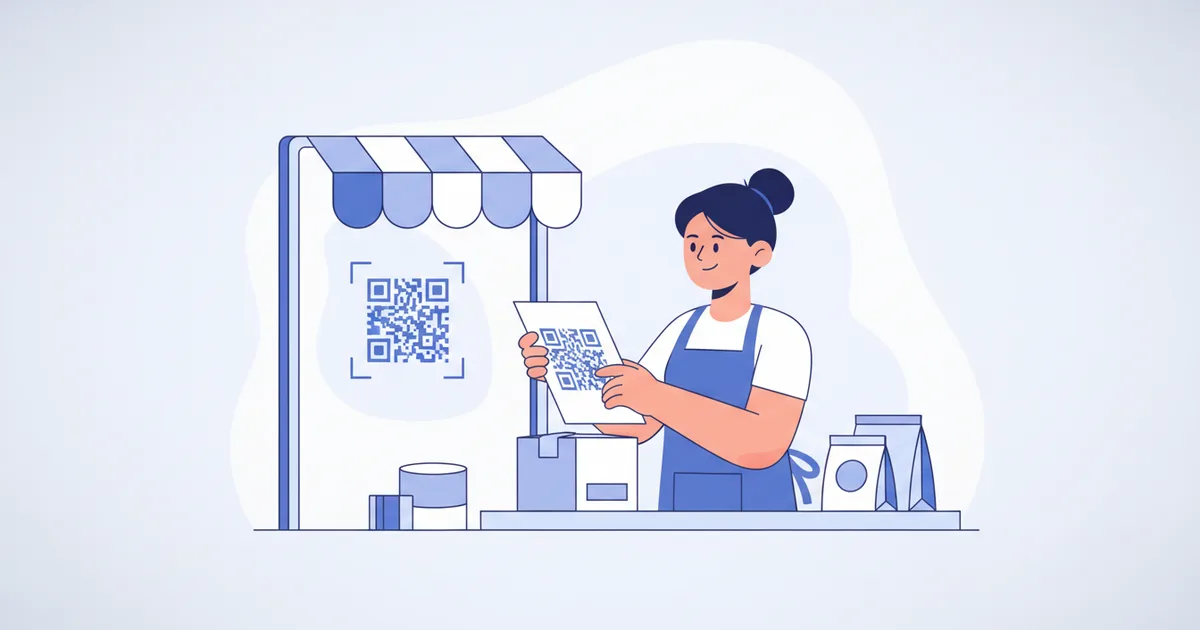
عمل رمز QR لمطعمك أو محلك يستغرق خمس دقائق: أنشئ صفحة القائمة أو الكتالوج، ولّد الرمز من لوحة التحكم، اطبعه بحجم 2سم في 2سم على الأقل مع عبارة دعوة قصيرة، وجرّبه على iPhone وAndroid قبل إرساله للمطبعة. الخطأ الذي يقع فيه معظم أصحاب المحلات هو استخدام رمز ثابت لا يمكن تغييره أبداً. هذا الدليل يغطي الإعداد الكامل للمطاعم والأعمال الصغيرة في الأردن والمنطقة، من قوائم QR للمطاعم إلى التغليف، مع قواعد الحجم والمكان التي تحدد هل يمسح الناس الرمز فعلاً أم لا.
لماذا لم تعد رموز QR اختيارية
رموز QR معرفة تحت معيار ISO/IEC 18004، ولهذا تقرأها كاميرا كل هاتف ذكي دون تطبيق خاص. منذ الجائحة صارت الطريقة الافتراضية لتقديم القوائم في مطاعم عمّان، والزبائن باتوا يتوقعونها. وجانب المدفوعات يحكي القصة نفسها عن عادة المسح: سجل تقرير أنظمة المدفوعات 2024 من JoPACC نمو معاملات كليك الفورية في الأردن بنسبة 178% في سنة واحدة إلى قرابة 84 مليون معاملة، وتتوقع Juniper Research أن تتجاوز مدفوعات QR نسبة 40% من كل معاملات المحافظ الرقمية بحلول 2026. زبونك يمسح رموزاً كل أسبوع، والسؤال هو: هل يعطيه محلك رمزاً يستحق المسح؟
قوائم QR للمطاعم والكافيهات
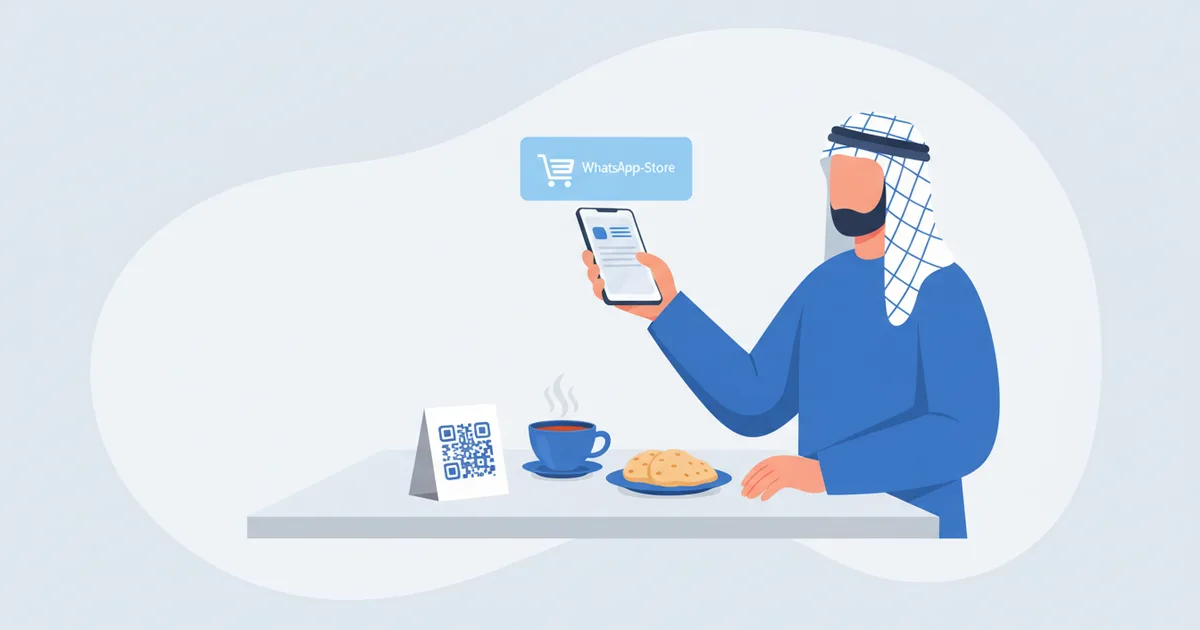
أقوى استخدام للأعمال الصغيرة في منطقتنا هو قائمة المطعم: الزبون يجلس، يمسح الرمز على الطاولة، وتفتح القائمة بالصور والأسعار خلال ثوانٍ دون انتظار نادل أو قائمة ورقية ممزقة:
- لا إعادة طباعة عند تغيير الأسعار. عدّل الصنف أو السعر مرة واحدة، وكل رموز الطاولات تعرض القائمة الجديدة فوراً. مع حركة أسعار المكونات، هذه الميزة وحدها تسدد تكلفة الإعداد.
- الصور تبيع. القائمة الرقمية تعرض الطبق، والبطاقة المغلفة لا تعرضه.
- عربي وإنجليزي في رمز واحد. القائمة تفتح بلغة الزبون، وهذا مهم في عمّان والعقبة والبتراء السياحية بقدر أهميته في الخليج.
- اطلب من الطاولة. قائمة QR ليست للعرض فقط: يمسح الضيف الرمز على طاولته، ويتصفح القائمة المصورة كاملة بلغته، ويرسل طلبه، تناولاً في المكان أو سفري، مباشرة إلى مطبخك أو الكاشير، مع تحديث الأسعار وحالة النفاد لحظياً من هاتفه.
- الطلبات تمشي على واتساب. اربط القائمة مع إعداد متجر واتساب لطلبات التوصيل والاستلام دون موقع إلكتروني.
أين تضع رموز QR
| الموقع | ما يرتبط به |
|---|---|
| حوامل الطاولات والملصقات | القائمة أو صفحة الطلب |
| واجهة المحل | بطاقتك الرقمية أو الكتالوج |
| تغليف المنتجات | تفاصيل المنتج ورابط إعادة الطلب |
| الإيصالات | نموذج تقييم أو صفحة ولاء |
| بطاقات الأعمال | الملف الرقمي الكامل |
| ملصقات السيارات | معلومات التواصل والخدمات |
| المنشورات والبروشورات | صفحة الحجز أو واتساب |
| توقيعات البريد | البطاقة الرقمية |
أفضل الممارسات التي تحسم نسبة المسح
- الحجم الأدنى: 2سم في 2سم للمسح القريب، وأكبر إذا كان المسح من مسافة تتجاوز نصف متر.
- تباين عالٍ: رمز داكن على خلفية فاتحة، وليس العكس على الزجاج أبداً.
- منطقة هادئة: اترك فراغاً أبيض حول الرمز يعادل أربع وحدات تقريباً.
- اختبر قبل الطباعة: امسح من عدة هواتف وفي إضاءة مكانك الفعلية.
- استخدم رموزاً ديناميكية: غيّر الوجهة متى شئت دون إعادة طباعة.
- أضف دعوة للفعل: "امسح لتشوف المنيو" أفضل من مربع صامت في كل مرة.
الرمز الديناميكي مقابل الثابت
| النوع | المزايا | العيوب |
|---|---|---|
| ثابت | يعمل للأبد والوجهة محفورة فيه | لا يمكن تغيير الوجهة ولا إحصاءات مسح |
| ديناميكي | غيّر الوجهة متى شئت وتتبع المسحات | يتطلب حساباً نشطاً |
ينشئ ScaanMe رموز QR ديناميكية لكل ملف وقائمة: غيّر محتواك في أي وقت والرمز المطبوع لا يحتاج استبدالاً أبداً. تتوفر خطة مجانية والخطط المدفوعة تبدأ من 7.99 دولار شهرياً؛ راجع الأسعار.
اطبع الرمز مرة واحدة وغيّر وجهته للأبد: هذا هو الاقتصاد الكامل لرمز QR الديناميكي.
أخطاء شائعة
- وضع الرموز حيث لا توجد تغطية، مثل الأقبية والمصاعد
- طباعة رموز أصغر من أن تُمسح وقوفاً
- تجاوز اختبار iPhone وAndroid قبل طبعة من 500 قطعة
- الربط بصفحات غير مهيأة للجوال
- غياب دعوة للفعل بجانب الرمز
- التغليف بطبقة لامعة تعكس الضوء وتحجب الكاميرا
من مسحة واحدة إلى زبون دائم
رمز QR يكسب المسحة الأولى، وبطاقة المحفظة تكسب الزيارة المتكررة. دع زبائنك يحفظون بطاقتك أو قائمتك بطاقة محفظة Apple أو Google بضغطة واحدة بلا تطبيق على الطرفين. وعند إطلاق قائمة جديدة أو عرض، بثّ واحد للمالكين يصل إلى شاشة قفل كل من حفظها دفعة واحدة، وعرض قريب ينبّههم للمرور حين يمرون قرب محلك. إنه برنامج ولاء بلا بطاقات أختام، والبطاقة تحدّث نفسها كلما عدّلتها.
الأسئلة الشائعة
هل عمل رمز QR مجاني؟
نعم. توليد الرمز مجاني، بما في ذلك على خطة ScaanMe المجانية. تدفع فقط ثمن ما تطبعه عليه، وإنشاء الحساب لا يتطلب أي بيانات دفع.
شو الفرق بين رمز QR الثابت والديناميكي؟
الثابت وجهته محفورة فيه للأبد. أما الديناميكي فيمر عبر رابط قصير تتحكم به، فتغيّر القائمة أو الصفحة أو العرض في أي وقت دون إعادة طباعة، وتحصل على عدد المسحات.
شو الحجم المناسب لرمز QR المطبوع؟
على الأقل 2سم في 2سم للقوائم والبطاقات التي تُمسح عن قرب. للملصقات وواجهات المحلات استخدم قاعدة عُشر مسافة المسح: رمز يُمسح من مترين يجب أن يكون عرضه نحو 20سم. وكلما زادت البيانات داخل الرمز صغرت مربعاته وصعب مسحه، فاجعل الرابط قصيراً كلما أمكن.
هل أقدر أغيّر وجهة الرمز بعد الطباعة؟
مع الرمز الديناميكي نعم، خلال ثوانٍ من لوحة التحكم. وهذا هو السبب الرئيسي لاستخدام المطاعم رموزاً ديناميكية لقوائم تتغير مع المواسم والأسعار.