QR Menu vs WhatsApp Ordering: Gulf Restaurants

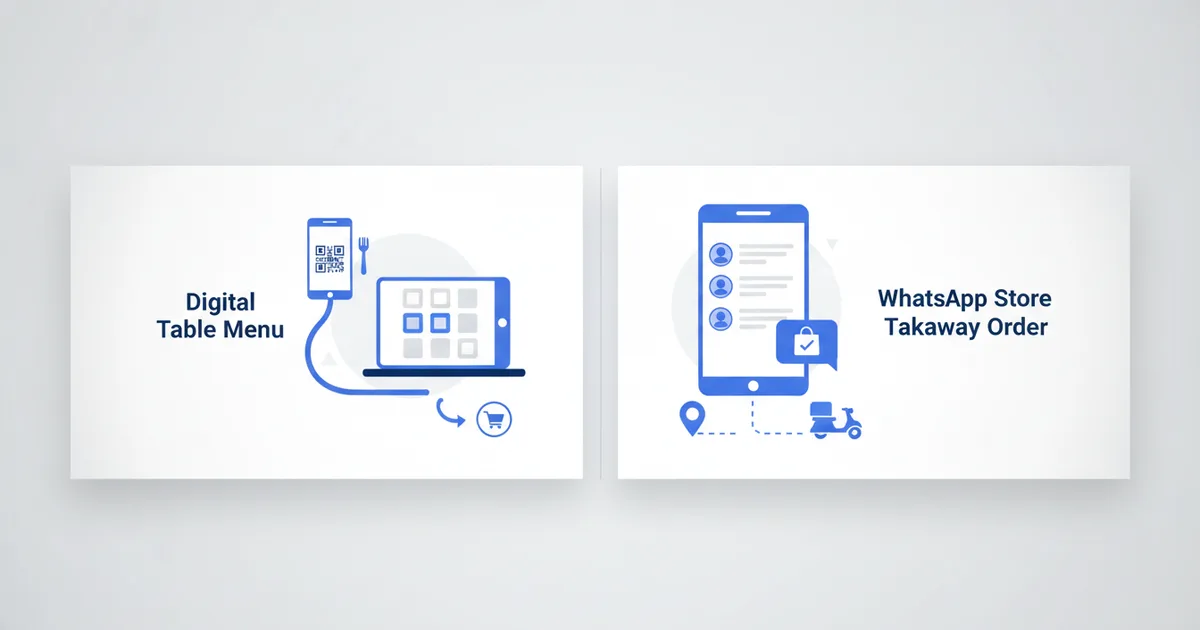
QR menu or WhatsApp ordering? For a Gulf restaurant the answer is both, for different journeys: the QR menu serves guests at the table, and the WhatsApp store captures takeaway and delivery orders. A restaurant in Kuwait City runs a QR table menu that guests scan at their tables, and the same restaurant runs WhatsApp ordering for takeaway from nearby offices. They use both, and they use them for different things.
Many Gulf restaurant owners treat this as a binary choice. It is not. The right approach depends on your customer segment and their journey, and the ordering shift is not slowing down: Saudi Arabia's online food ordering and delivery market is projected to reach $8.22 billion by 2030 per a 2025 ResearchAndMarkets analysis, while DataReportal counts social media use at 80.1% of Kuwait's population as of January 2025.
Dine-in guests browse. Takeaway customers order. One platform should serve both without two subscriptions.
The Two Journeys
Dine-in journey: Guest walks in, sits down, wants to see the menu. They have no preconceived notion of what they'll order. They need browsing, photos, descriptions, and prices. A QR menu handles this perfectly.
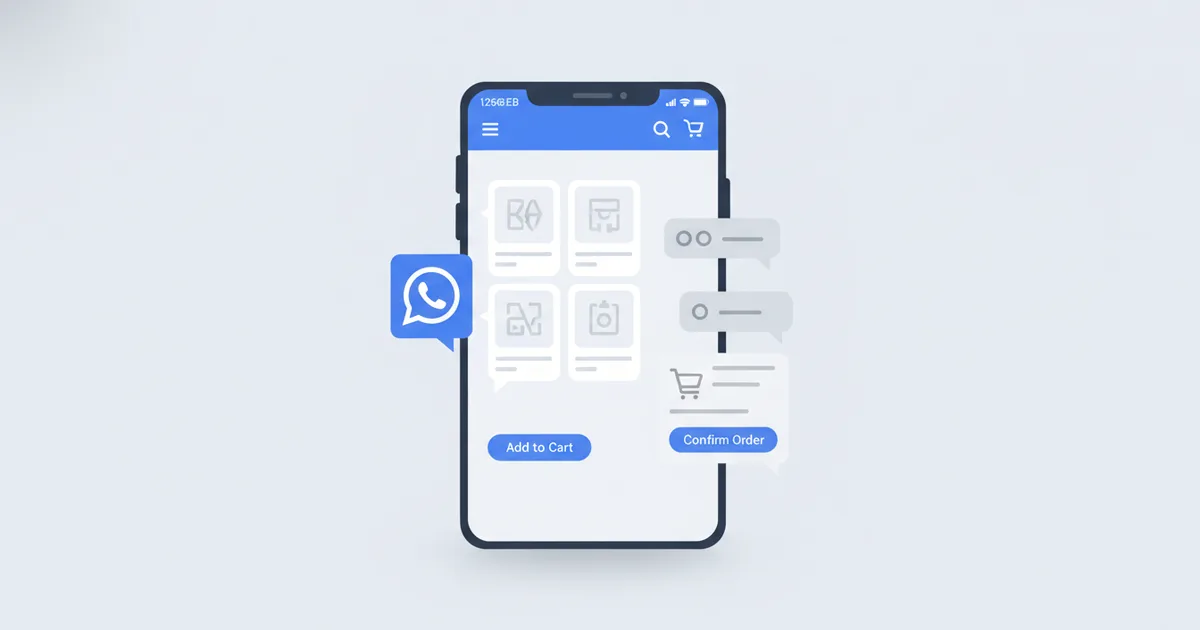
Takeaway/delivery journey: Customer is at their desk, knows roughly what they want, wants to order and pay quickly. A WhatsApp store with a product catalog handles this, they browse, add to cart, order, and discuss delivery directly.
Feature Comparison
| Feature | QR Digital Menu | WhatsApp Store |
|---|---|---|
| Table-side menu display | Ideal | Not designed for this |
| Ordering workflow | Browse + send dine-in order from the table | Full cart + WhatsApp order |
| Takeaway orders | Possible but indirect | Native and direct |
| Delivery coordination | Not built in | Handled in WhatsApp chat |
| Menu updates | Instant, zero cost | Instant, zero cost |
| Multiple languages | Yes (45+ with RTL) | Yes |
| Customer-initiated chat | No | Yes |
| Peak-hours order management | Queue visually | WhatsApp message queue |
| Works on table tents | Yes | No (link-based only) |
| Analytics | Views per item | Orders per item |
When to Use QR Menu (Dine-In Focus)
The QR menu is not view-only. With table ordering switched on, a guest scans the code at their table, browses the full photo menu in their language, and sends the order (dine-in or takeaway) straight to the kitchen, with prices and sold-out status updating live from the phone. That covers the in-restaurant order without a waiter relay, while the WhatsApp store still owns takeaway and delivery from afar.
Cafés and restaurants with primarily sit-down service, the QR table menu eliminates printed menus, handles language preferences automatically, and lets you update daily specials without printing anything.
Hotels, room service, spa menus, and restaurant menus can all use QR codes. Guests scan from their room or table.
Food courts, multi-vendor setups where each stall has its own QR menu are common in UAE malls.
Seasonal menus, Ramadan iftar specials, Eid dessert menus, National Day promotions updated instantly.
When to Use WhatsApp Store (Takeaway/Ordering Focus)
Shawarma and fast-casual spots that do heavy takeaway from nearby offices and buildings in Abu Dhabi, Dubai, and Kuwait City.
Home-based food businesses, a home chef in Jeddah or Cairo running a weekly order system. Customers browse the weekly menu (uploaded each Monday), add to cart, and WhatsApp the order.
Catering operations, pre-event orders where quantities and customization need discussion.
Cloud kitchens, no dine-in, 100% delivery. WhatsApp store for discovery, with each order becoming a conversation. Boutiques in Egypt and Saudi Arabia run the same conversational commerce model for physical products.
Running Both from Scaanme
Scaanme does not force a choice. Your digital card can include:
- A QR code that dine-in customers scan at the table → full digital menu
- A "Order for Delivery" button → your WhatsApp store catalog
- A booking button for reservations
- Your restaurant's location and opening hours
Update the menu once and it reflects in both places.
Practical Setup for a Gulf Restaurant
Step 1: Build Your Menu/Catalog
Add categories (appetizers, mains, desserts, beverages), items with photos, prices, and dietary labels (halal, vegetarian, spicy levels).
Step 2: Configure QR for Dine-In
Download your QR code, print on table tents. Each table scans and sees your current menu.
Step 3: Configure WhatsApp Store for Delivery
Enable the order-via-WhatsApp flow. Customers who visit your card via Instagram or delivery app see "Order via WhatsApp."
Step 4: Language Configuration
Gulf restaurants typically serve Arabic, English, and often Hindi or Tagalog speakers. Configure all languages, the menu auto-detects the guest's preference.
The Ramadan Factor
During Ramadan in KSA, Kuwait, Bahrain, and Qatar, restaurant usage patterns shift dramatically:
- Iftar orders spike between 5-7 PM
- Suhoor orders run midnight-3 AM
- Takeaway and delivery volumes increase significantly vs dine-in
WhatsApp store ordering handles the asynchronous nature of these patterns better than a phone-call ordering system. Customers can browse the iftar menu and place an order at 2 PM for a 6:30 PM pickup, without calling during peak prep time.
Loyalty Without a Points App
Regulars are where restaurant margins live, and wallet passes are how you keep them. Turn your menu card into an Apple Wallet or Google Wallet pass that guests save on iPhone or Android with no app either side. When you launch a seasonal menu, an iftar deal, or a weekend offer, a Holder Broadcast pushes a lock-screen notification to every holder at once, and a Nearby Offer nudges a guest to drop in when they pass within about 100 meters. There is no separate stamp-card app to build; the wallet pass is the loyalty channel, and it auto-updates the moment you change the menu.
A free plan is available, with paid plans from $7.99/month on the pricing page.
FAQ
Can a restaurant run both a QR menu and a WhatsApp store?
Yes, from the same profile. The table QR opens the browsing menu, an "Order for Delivery" button opens the WhatsApp catalog, and you update items once for both.
How do I update a QR menu for Ramadan?
Edit the menu in the dashboard: add the iftar and suhoor categories, adjust hours, and every printed QR code on your tables shows the new menu instantly. Nothing gets reprinted.
Does WhatsApp ordering charge commission per order?
No. Orders arrive as WhatsApp messages to your own number, you confirm and arrange payment directly, and no percentage is taken from the ticket.
Do QR menus work for non-Arabic-speaking guests?
Yes. The menu detects the guest's phone language and can serve Arabic, English, and dozens of other languages from the same code, which matters in mixed-nationality Gulf dining rooms.