Do Digital Business Cards Need an App? No. Here is Why

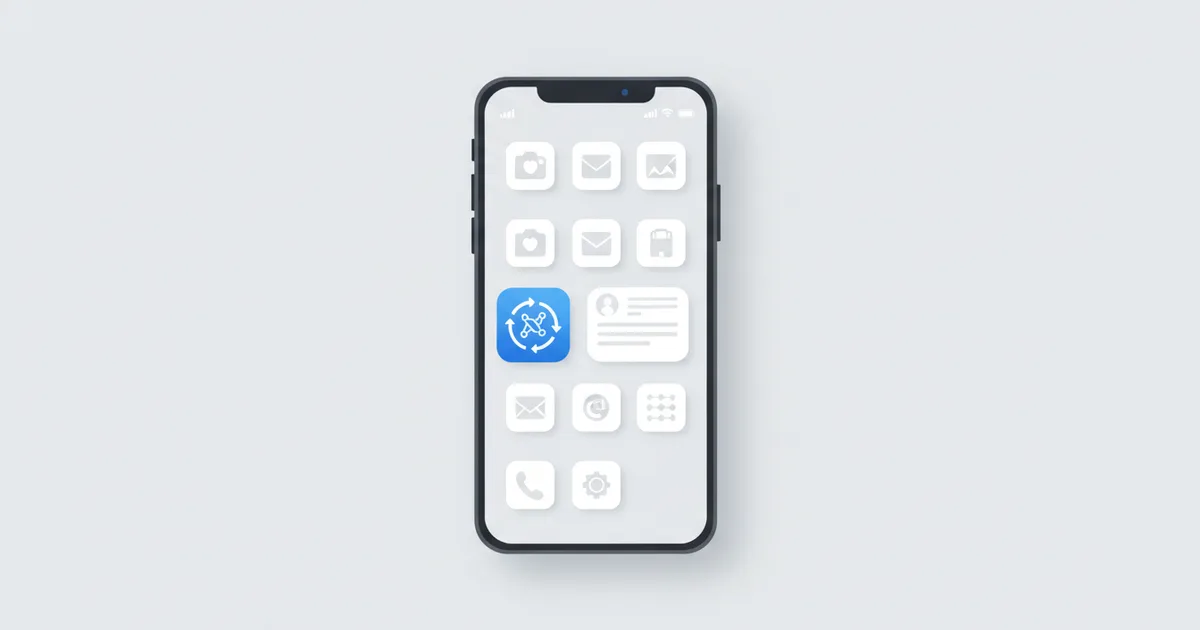
No, a digital business card does not need an app. A Scaanme card opens in any browser the instant someone scans your QR code, taps your NFC card, or clicks your link, and it can install itself to their home screen like an app, through PWA technology. Neither you nor the person receiving your card ever visits an app store. That single fact is worth understanding properly, because "do they have to download something?" is the first objection every professional hears when switching from paper, and the honest answer with the right platform is a flat no.
Why the App Question Decides Everything
Every extra step between "scan" and "seeing your profile" loses people. An app-based card platform asks the person you just met to find an app, download it, create an account, and only then view your details. Nobody does that for a stranger from a conference. Several well-known global card apps work exactly this way for their full experience, which is why the no-app question belongs in every comparison you read, including our overview of digital cards in the Middle East.
The best digital business card is the one that opens before the handshake ends. Anything that needs a download has already failed.
What Is a PWA, in Plain Words
A Progressive Web App is a web page with app abilities, built on an open standard defined by the W3C Web App Manifest specification. It can:
- Install to the home screen with an icon, like any app
- Work offline using cached data
- Load near-instantly on repeat visits
- Update automatically, so nobody ever runs an old version
The technology is the supporting evidence, not the headline: what your contact experiences is simply a card that opens fast and stays on their phone.
Native App vs Website vs PWA
| Feature | Native App | Regular Website | PWA Card |
|---|---|---|---|
| Download required | Yes, app store | No | No |
| Account creation | Usually | No | No |
| Home screen icon | Yes | No | Yes |
| Offline access | Yes | No | Yes |
| Auto-updates | Via store | Yes | Yes |
| Works on iOS and Android | Two builds | Yes | Yes, identically |
The Flow Your Contact Experiences
- They scan your QR code or tap your NFC card
- Your profile opens in their browser in about 2 seconds
- They save your contact, chat on WhatsApp, or book a slot right there
- If they want you one tap away, they hit "Add to Home Screen" and your card sits next to their apps
- Next time, it opens instantly, even with a weak connection
They can also save your card to their phone's wallet through wallet passes, which puts you one swipe from their lock screen.
Why This Matters for Your Business
Persistence. A paper card is easy to lose or throw away, and it is frozen at print time, so it falls out of date the moment your role, number, or company changes. A card installed on the home screen or saved in a wallet cannot end up in the trash by accident; it lives where the person looks dozens of times a day and updates itself whenever you edit your profile.
Zero friction on any phone. More than 90% of smartphones shipped today include NFC, per Global Market Insights, and every one of them has a browser. There is no "sorry, I have an iPhone" case: the digital business card behaves identically on iOS and Android.
Speed for returning visitors. Cached loading means the client who saved your card opens your booking button in under a second, which is exactly when impulse becomes an appointment.
No app store politics. No review queues, no forced updates, no storage warnings pushing your card off someone's phone.
What to Say When a Client Asks
Keep the answer you give clients as short as the experience itself: "Nothing to download. Scan this and my card opens; if you want, add it to your home screen." Watch how differently that lands compared with "install the app and find me on it."
FAQ
Do I need an app to open a digital business card? No. It opens in any browser from a QR scan, NFC tap, or link. There is nothing to install on either side.
Does the person receiving my card need an app? No, and that is the point. They see your full profile immediately, with no download, no account, and no permission prompts.
Does the card work offline? After the first visit, PWA caching lets the installed card load instantly even on a weak or absent connection. Live actions like WhatsApp chat need a connection, as they would in any app.
How do I add a digital card to my home screen? Open the card in the browser, choose "Add to Home Screen" on Android or Share then "Add to Home Screen" on iPhone. The card appears with its own icon, like an app.
Is a no-app digital card free? A free plan is available and paid plans start from $7.99/month. Create yours in minutes at scaanme.com/register.