Digital Business Card with a WhatsApp Store (2026)


Yes. ScaanMe is a digital business card with a real WhatsApp store built in. One shareable link (also delivered by NFC tap or QR scan) opens your profile and a product catalog where customers browse items and place an order that lands directly in your WhatsApp chat. There is no separate website to build, no checkout gateway to configure, and no app for your customer to download. You share one link, they browse, and they order in the chat window they already use every day.
What is a digital business card with a WhatsApp store?
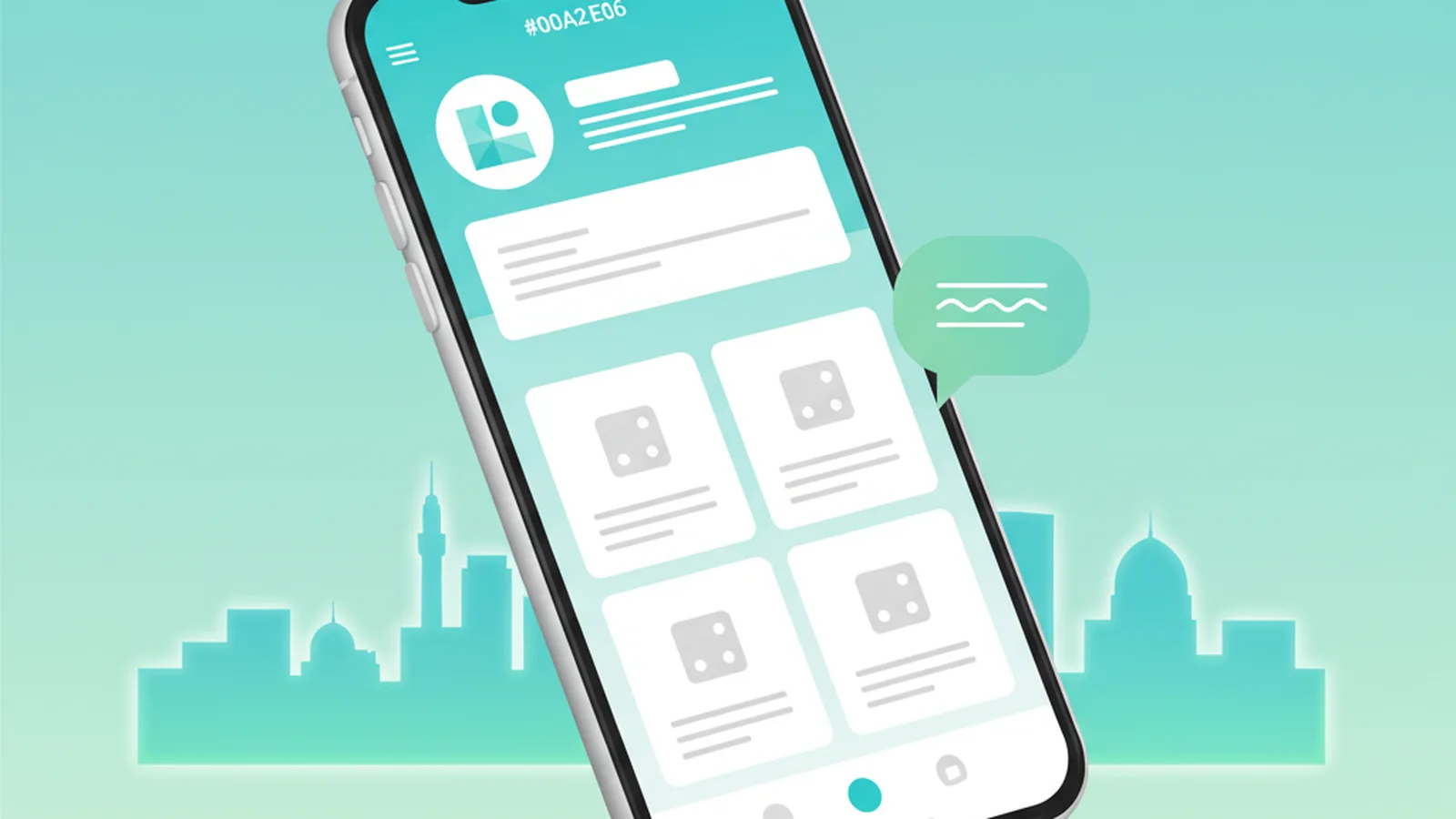
A traditional digital business card shows your name, photo, links, and contact buttons. ScaanMe adds a commerce layer on top of that same card. Alongside your profile, you get a mini store: a grid of products with photos, prices, and descriptions. When a customer taps a product and confirms their order, ScaanMe assembles the order details and opens a pre-filled WhatsApp message to your number. You receive a clean, structured message with the items, quantities, and any note the customer added.
The result is one link that does two jobs: it introduces you like a business card, and it sells like a storefront. Because the transaction happens inside WhatsApp, you keep the personal conversation that closes sales in this region: you confirm stock, agree on delivery, and take payment your way (cash on delivery, bank transfer, or a payment link). The full feature list lives on the WhatsApp Store product page.
ScaanMe supports 45 or more languages with full Arabic and right to left layout, so an Arabic store reads and flows correctly. Your card also generates Apple Wallet and Google Wallet passes, works as an installable progressive web app, includes visit and click analytics, and can run on your own custom domain.
How does ordering on WhatsApp work?
The flow is deliberately short, because every extra step loses a customer:
- The customer opens your ScaanMe link from your bio, a QR code, or an NFC tap.
- They see your profile and scroll to your product catalog.
- They pick items and set quantities.
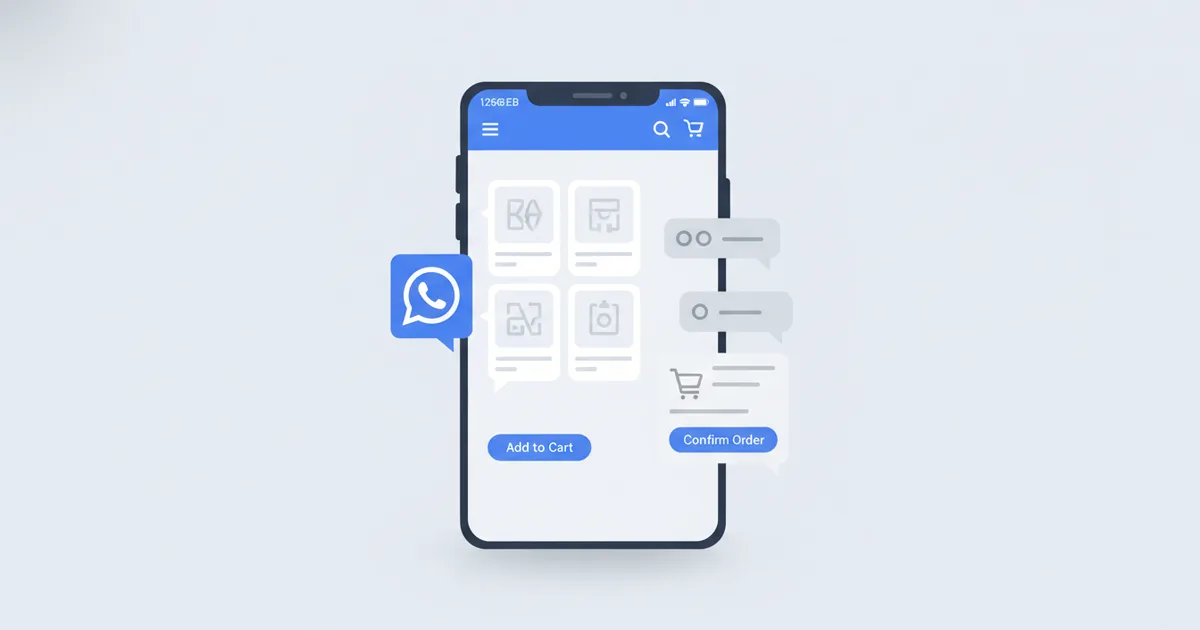
- They tap to order, and ScaanMe opens WhatsApp with a ready-made message containing the full order.
- The message arrives in your WhatsApp, and you reply to confirm delivery and payment.
Nothing is charged automatically and no card data passes through a checkout, which is exactly why home businesses and social sellers trust it. You stay in control of the conversation and the money. For businesses that want the official commerce tooling, WhatsApp also offers its own product for larger operations through the WhatsApp Business Platform.
Who is a WhatsApp store card for?
- WhatsApp sellers and Instagram sellers who currently paste prices into DMs and lose track of orders.
- Home businesses and home kitchens that sell from a phone and need one tidy link for a bio.
- Restaurants and cafes that want a scannable menu that also takes orders.
- Boutiques and small retailers who want a catalog without paying for a full e-commerce platform.
- Service providers who sell packages, sessions, or bookable items alongside their contact details.
The common thread is simple: you already sell through chat, and you want a professional catalog in front of that chat instead of a messy list of screenshots. E-commerce across the Middle East and North Africa continues to grow quickly, and much of it runs through social and messaging channels rather than classic web stores, according to market data compiled by Statista.
The audience is enormous. Egypt alone had 98.2 million internet users at the end of 2025, an online penetration of 82.7%, per DataReportal's Digital 2026: Egypt report, and Saudi Arabia counted 38.6 million social media user identities, equal to 111% of its population, in the Digital 2026: Saudi Arabia report. Those buyers live in chat apps, and WhatsApp is where they expect to talk to a business.
How to set up your WhatsApp store card
- Create your ScaanMe account at scaanme.com and choose a Store plan (the WhatsApp store lives on the Store plans, not the vCard-only plans).
- Build your profile: add your name or brand, logo, bio, and contact buttons in English, Arabic, or both.
- Add your products: upload a photo, title, price, and description for each item, and organize them into your catalog.
- Connect your WhatsApp number so orders route to the right chat, then set your language and layout (including right to left for Arabic).
- Share your one link everywhere (bio, QR code, or any NFC card you already own), and start receiving orders in WhatsApp.
Setup takes minutes, not days, because there is no theme to code and no gateway to integrate.
How much does the WhatsApp store cost?
The WhatsApp store is available on the ScaanMe Store plans. If you only need a digital card without a store, the vCard-only plans start free. Here is the exact breakdown:
| Plan | Price | Store features |
|---|---|---|
| Store Starter | $9.99/mo | Product catalog, order on WhatsApp |
| Store Advance | $24.99/mo | More products, order on WhatsApp, richer catalog |
| Store Prime | $49.99/mo | Full catalog, order on WhatsApp, branding removal |
| vCard Lite | Free | Digital card only, no store |
| vCard Pro | $7.99/mo | Digital card, no store |
| vCard Pro Max | $15.99/mo | Digital card, no store |
Choose a Store plan when you want to sell. Choose a vCard plan when you only need a shareable identity and contact card. Current numbers are always on the pricing page, and you can register free to try the card before choosing a Store plan.
Frequently Asked Questions
Is the WhatsApp store free?
The digital business card has a free plan, and paid plans start from $7.99/month. The WhatsApp store itself lives on the Store plans, which start at $9.99 per month. A practical free path: start on the free card, put your WhatsApp button on it, and upgrade to a Store plan when you want the product catalog and structured orders.
Can customers order through WhatsApp?
Yes. Customers browse your catalog on your ScaanMe card, select items, and tap to order. ScaanMe opens WhatsApp with the full order pre-filled and sends it to your number, so you receive a clear, structured message and reply to arrange delivery and payment.
Do I need a separate website?
No. Your ScaanMe link is both your business card and your store. There is no separate website to build or host, no theme to design, and no checkout gateway to set up. One link carries your profile and your product catalog together.
How much does the WhatsApp store cost?
The WhatsApp store is on the Store plans: Starter is $9.99 per month, Advance is $24.99 per month, and Prime is $49.99 per month. The vCard-only plans (Lite free, Pro $7.99 per month, Pro Max $15.99 per month) do not include the store.
Can I use Arabic?
Yes. ScaanMe supports 45 or more languages with full Arabic and right to left layout, so your store, product text, and buttons read and flow correctly in Arabic. You can also run a bilingual card in Arabic and English.
Can I link my own NFC card?
Yes. ScaanMe links any NFC tag you already own, whether it is a card, sticker, or medallion, at no extra hardware cost. ScaanMe does not sell NFC hardware; it connects the tag you have to your store link for free.