QR Menu with WhatsApp Ordering for Restaurants (2026)

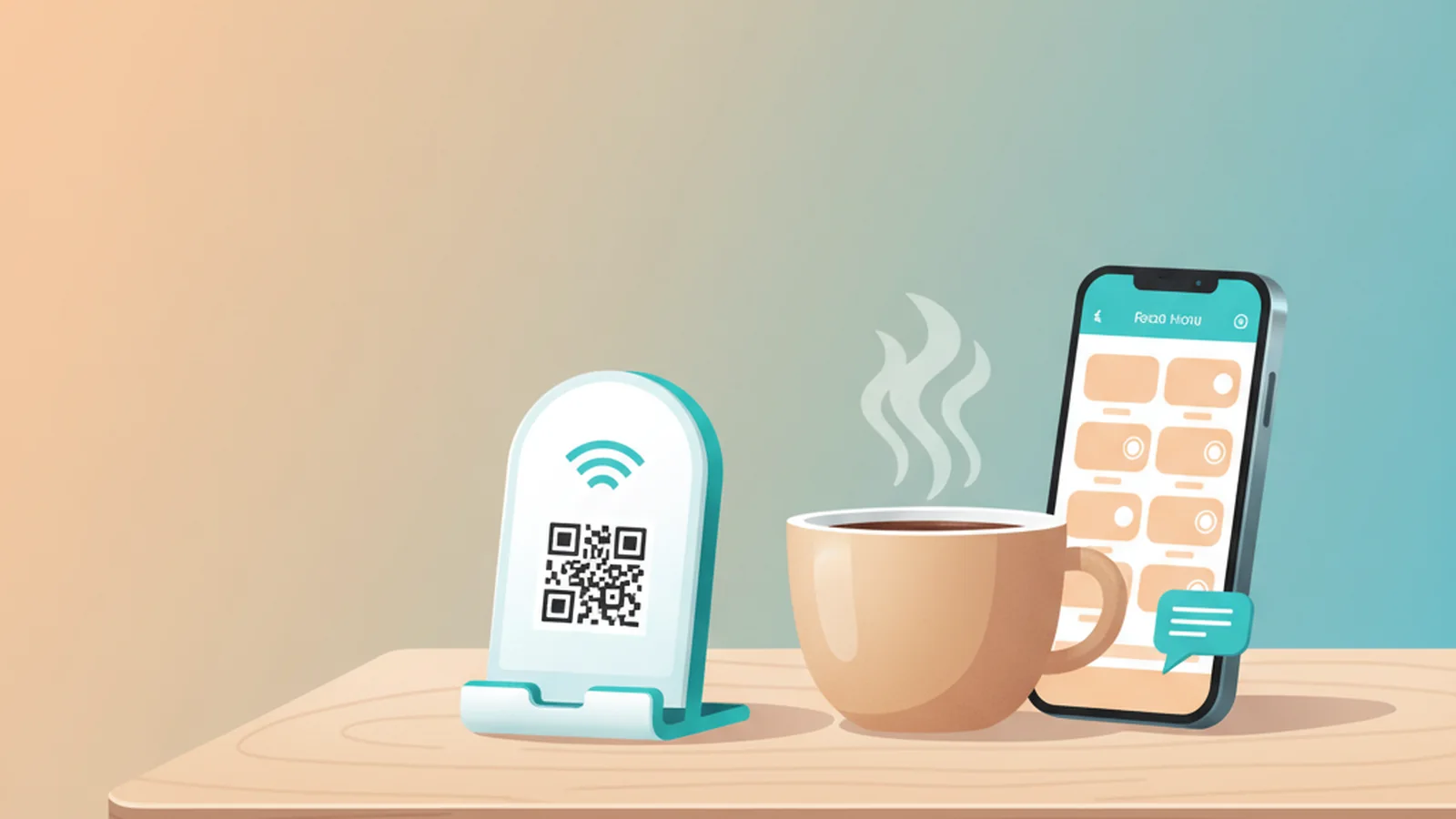
Yes. ScaanMe turns a simple QR code or an NFC table card into a digital menu that customers browse and order from directly on WhatsApp. A guest scans the card on the table or counter, your menu profile opens on their phone, they tap through the categories and items, and they send the finished order to your venue WhatsApp number in one message. No app to install, no per-order commission, no printing a new menu every time a price changes.
This guide shows cafe and restaurant owners exactly how the flow works, how to set it up, how to run a bilingual Arabic and English menu, what it costs, and what you can measure once it is live.
Why are cafes and restaurants dropping paper menus?
Paper menus are expensive, slow, and static. Every price change, every seasonal item, and every sold-out dish means reprinting. They cannot be translated on the fly, they collect wear, and they tell you nothing about what guests actually looked at.
QR-based menus solved the printing problem during the shift to contactless ordering, and adoption stuck. The numbers back this up: 76% of restaurant operators say using technology gives them a competitive edge, and 82% of Gen Z adults are comfortable placing a smartphone order at a limited-service restaurant, according to the National Restaurant Association's 2024 Restaurant Technology Landscape research. But most venues stopped halfway: they printed a QR that opens a flat PDF. A PDF still cannot be updated instantly, cannot take an order, and cannot switch languages.
A QR code that opens a PDF is a photocopy; a QR menu that takes a WhatsApp order is a waiter.
A digital menu card closes that gap. It is a living page you edit from your phone, it hands the order to WhatsApp, and it works in whatever language the guest reads.
How does order-on-WhatsApp actually work?
The flow is deliberately simple, because friction at the table costs you orders:
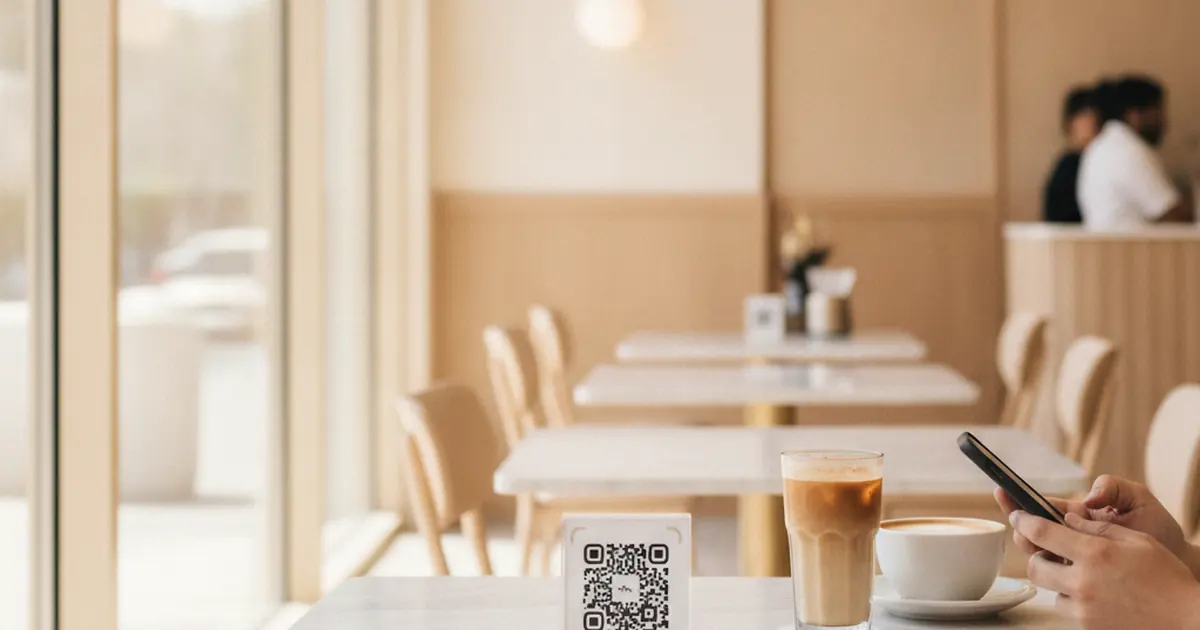
- The guest scans the QR or taps the NFC card at the table or counter.
- Your ScaanMe menu profile opens instantly in their browser. No download.
- They browse categories, read descriptions, and pick items.
- They tap to order, and ScaanMe opens WhatsApp with the order details pre-filled.
- The order lands in your venue WhatsApp chat, where your team confirms and prepares it.
Because the order arrives on WhatsApp, you are talking to the customer on a channel they already trust and check constantly. You can confirm the table, upsell a dessert, and keep the conversation for repeat visits. WhatsApp Business gives you a labeled catalog, quick replies, and away messages to handle this at volume. The same ordering engine also powers the ScaanMe digital business card with a WhatsApp store, so a cafe and its owner can run on one platform.
How do I set up my cafe menu?
You build the menu profile once, then only edit items as they change. ScaanMe links to ANY customer-owned NFC tag or sticker for free, so you are not locked into buying hardware from anyone.
Set up your cafe menu in 5 steps
- Create your ScaanMe profile and pick a Store plan so you get the menu catalog.
- Add your categories (hot drinks, cold drinks, food, desserts) and add each item with a name, description, price, and photo.
- Set your venue WhatsApp number as the order destination so every order routes to your team.
- Get your QR code from ScaanMe, or write your ScaanMe link to any NFC tag or sticker you already own, and place it on tables and the counter.
- Test it from your own phone, then go live. Update prices and sold-out items any time from your dashboard, and the change is live instantly for every guest.
Can the menu be in Arabic and English?
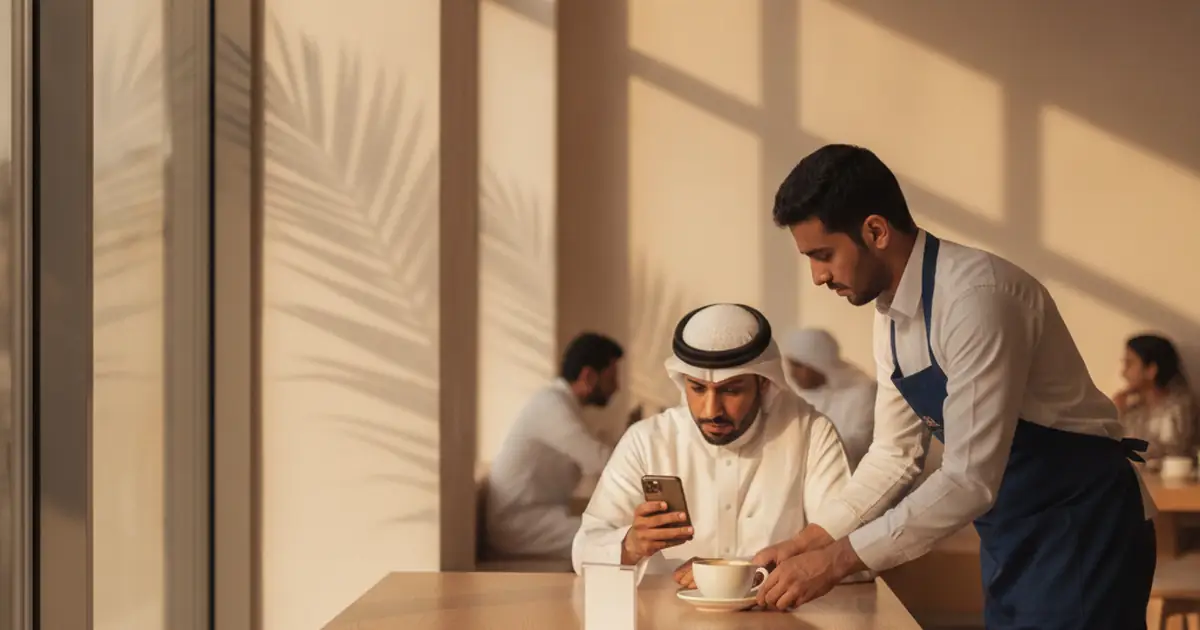
Yes, and this is where a lot of Gulf and MENA venues get let down by generic tools. ScaanMe supports 45+ languages with full Arabic and right-to-left (RTL) layout, so a bilingual menu renders correctly in both directions. Prices, times, and numbers stay readable in Arabic instead of flipping, and your guest reads the menu in the language they are comfortable with. For a cafe serving both local and international customers, one card covers everyone.
Paper menu vs printed-QR PDF vs ScaanMe digital menu
| Feature | Paper menu | Printed-QR PDF | ScaanMe digital menu |
|---|---|---|---|
| Update speed | Reprint everything | Re-export and re-upload | Instant from your dashboard |
| Ordering | None | None | Order sent to WhatsApp |
| Languages | One per print run | Fixed in the file | 45+ languages, full Arabic RTL |
| Cost | Recurring print cost | Design plus reprints | Flat monthly Store plan |
| Analytics | None | None | See what guests view |
How much does a digital menu card cost?
The menu and catalog live on the ScaanMe Store plans, listed in full on the pricing page. The exact pricing is:
- Starter: $9.99/mo
- Advance: $24.99/mo
- Prime: $49.99/mo
There is no per-order commission taken out of your sales, unlike marketplace delivery apps. You link your own NFC tags and stickers for free, and you can add Apple Wallet and Google Wallet passes, a custom domain, and PWA install so guests can save your menu to their home screen.
What can I measure with analytics?
Every scan and view is data. ScaanMe analytics show you what guests actually look at, so you learn which items get attention and which categories get ignored. That tells you what to feature, what to reprice, and what to cut. A paper menu and a flat PDF give you none of this. Over a few weeks you build a real picture of demand instead of guessing.
Frequently Asked Questions
Can customers order without an app?
Yes. Guests scan the QR or tap the NFC card and your menu opens in their normal phone browser with no download. When they order, it opens WhatsApp, which they already have installed.
Can the menu be in Arabic and English?
Yes. ScaanMe supports 45+ languages with full Arabic and RTL layout, so a bilingual menu displays correctly in both languages, including prices and numbers.
Do I need printed QR codes on tables?
You can use a printed QR, or you can write your ScaanMe link to any NFC tag or sticker you already own and place it on the table or counter. ScaanMe links your own NFC hardware for free, so a guest taps to open the menu.
How much does it cost?
The menu lives on a Store plan: Starter is $9.99/mo, Advance is $24.99/mo, and Prime is $49.99/mo. There is no per-order commission on your sales.
Can I update prices instantly?
Yes. You edit any item, price, or availability from your dashboard and the change is live immediately for every guest who scans. No reprinting and no re-uploading a file.
Ready to give your cafe or restaurant a digital menu customers order from on WhatsApp? Create your menu free and explore the QR menu product page for the full feature list.