QR Menu for Syrian Restaurants: Order on WhatsApp (2026)

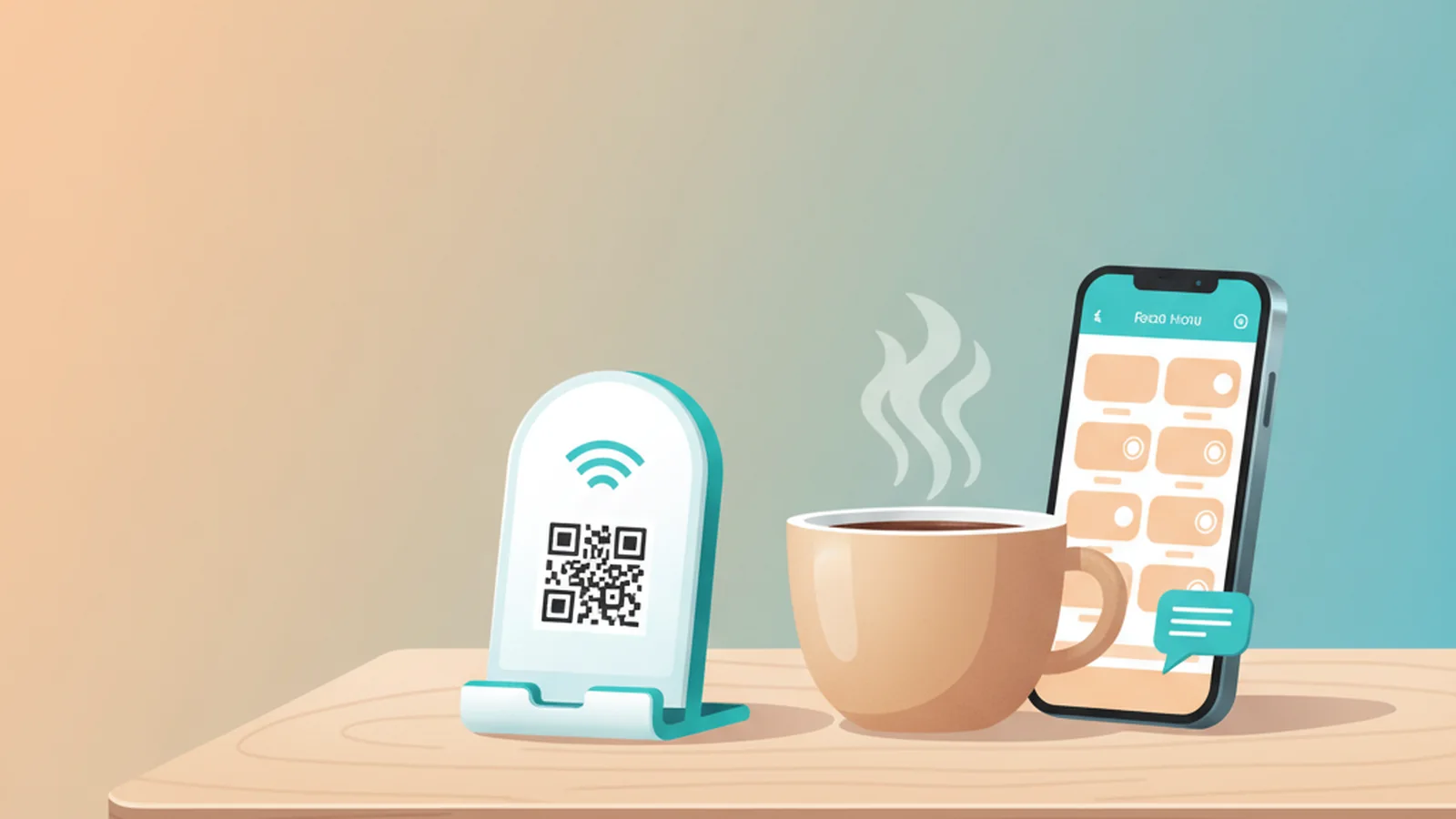
The best way for Syrian cafes and restaurants to create a QR menu is by using a platform like ScaanMe's QR menu product, which offers a free starting plan. This allows businesses in Damascus, Aleppo, and across the country to generate a QR code that links to a mobile-friendly menu, with the powerful option for customers to send their orders directly to the restaurant's WhatsApp.
The mobile context makes this the right format: Syria's active mobile connections reached 20.1 million in late 2025, equal to 77.7% of the population, while internet use is overwhelmingly phone-based, per DataReportal's Digital 2026: Syria report. Every reprint of a paper menu is money spent on information that expires; a QR menu updates in seconds for free.
Why Are Digital Menus a Perfect Fit for Syria?
In a landscape where practicality and cost-effectiveness are paramount, digital menus offer significant advantages for Syrian food and beverage businesses. The shift from traditional paper menus to a digital format is not just a trend; it is a smart business decision.
* Cost Efficiency: The most immediate benefit is the elimination of printing costs. There is no need to reprint entire menus for a small price change or to add a new seasonal dish. Updates are instant and free.
* Instant Updates: Market prices for ingredients can change. With a digital menu, you can adjust your prices, mark items as "sold out," or introduce daily specials in seconds from your phone.
* Enhanced Customer Experience: A modern, clean digital interface is appealing. Customers appreciate the convenience of viewing the menu on their own devices, which are often cleaner than reusable physical menus.
* Mobile First: Most customers in Syria use smartphones as their primary device. A QR code menu is a natural and intuitive way for them to interact with your restaurant.
How Does Ordering on WhatsApp Work?
This is where a digital menu becomes a powerful sales tool, not just a list of items. ScaanMe integrates a simple but effective WhatsApp commerce system.
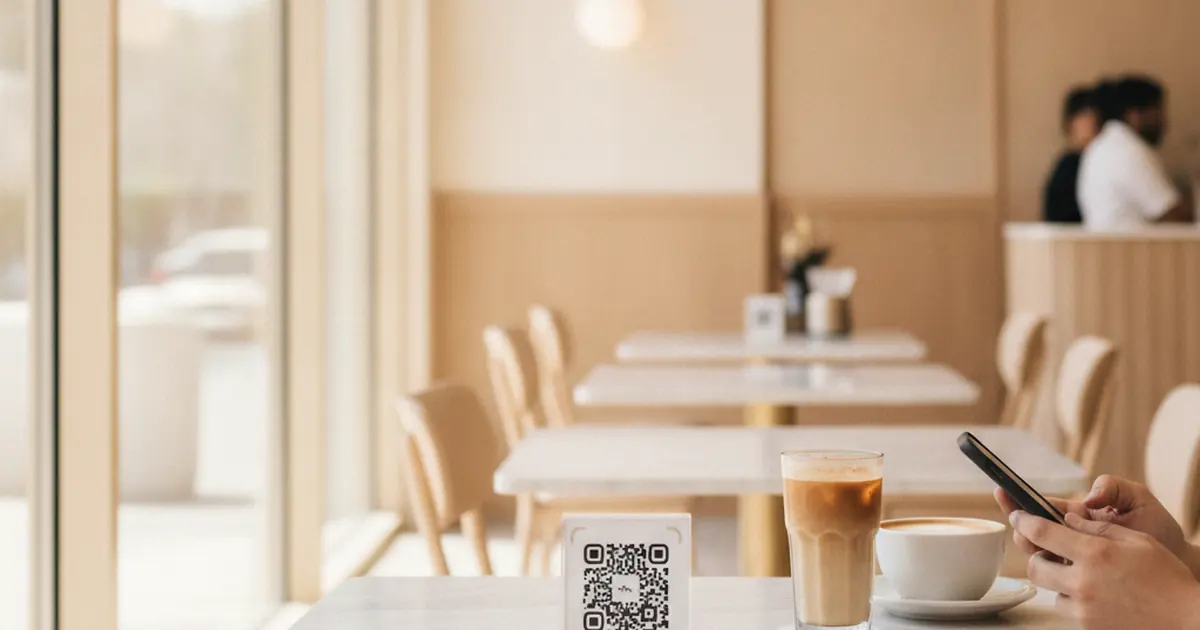
- Customer Scans: The customer scans a QR code on their table or taps an NFC card.
- Browse the Menu: They are taken to your beautifully designed digital menu, complete with pictures, descriptions, and prices.
- Add to Cart: They select their desired items and add them to a virtual cart.
- Send Order: Once they are ready, they tap the "Order on WhatsApp" button. This automatically opens their WhatsApp and populates a message with their complete order, ready to be sent to your business number.
This process is seamless and uses an app that nearly everyone already has and trusts: WhatsApp. It simplifies the ordering process for both the customer and your staff, reducing errors and speeding up service. For more on using WhatsApp for business, you can check the official WhatsApp Business Platform documentation, and for the full storefront version of this setup, see our guide to starting a WhatsApp store in Syria.
Can Your Menu Be in Both Arabic and English?
Absolutely. Catering to a diverse clientele, including locals, expatriates, and tourists, is crucial. A key feature of a professional digital menu platform is multilingual support.
ScaanMe is built with the MENA region in mind, offering full, native support for Right-to-Left (RTL) languages, including Arabic. You can create your menu with item names and descriptions in both Arabic and English. Customers can easily toggle between languages, ensuring a clear and comfortable ordering experience for everyone.
How Do You Set Up Your Digital Menu in Minutes?
Getting started is surprisingly simple and does not require any technical skills.
* Step 1: Sign Up for Free: Go to scaanme.com and sign up for the Lite plan. It is completely free and you do not need a credit card.
* Step 2: Build Your Profile: Add your restaurant's name, logo, and contact information. This becomes your central digital hub.
* Step 3: Create Your Menu Catalog: To enable ordering, you will need a ScaanMe Store plan (starting with the affordable Starter plan at $9.99/month; current numbers on the pricing page). Use the store builder to add your menu items, categories, photos, and prices.
* Step 4: Get Your QR Code: Your unique QR code is automatically generated. Download it and print it on simple table talkers, stickers, or cards.
* Step 5 (Optional): Add NFC Technology: For a more modern touch, you can link your ScaanMe profile to any NFC card or sticker. Customers can simply tap their phone to open the menu. ScaanMe's key differentiator is that it allows you to link any card you own for free, so you can buy cheap tags from local suppliers or online. Learn more about the technology at the NFC Forum.
Turn First-Time Diners Into Regulars
A QR menu wins the order; a wallet pass wins the return visit. A guest saves your cafe or restaurant card to Apple Wallet or Google Wallet in one tap, with no app on either side, and it becomes your loyalty channel without a paper stamp card. When you launch a new seasonal menu or a weekend offer, a holder broadcast pushes a lock-screen notification to every pass holder at once, so the update reaches past guests directly. A nearby-offer reminder can nudge a holder to stop in when they pass within about 100 meters, and because the pass auto-updates when you edit your menu, there is nothing to reprint.
How Does a Digital Menu Compare to Traditional Methods?
Let's break down the options for a restaurant in Damascus or Aleppo.
| Feature | Traditional Paper Menu | Printed QR Code (links to a PDF) | ScaanMe Digital Menu |
|---|---|---|---|
| Initial Cost | High (design & print) | Low (design & print QR cards) | Free (Lite plan for vCard) |
| Update Cost | High (reprinting) | High (redesign & reprinting) | Free and instant |
| Interactive Ordering | No (manual with staff) | No (customer must type order) | Yes (Order on WhatsApp) |
| Bilingual Support | Difficult (bulky menu) | Difficult (separate PDFs) | Easy (one-click language toggle) |
| Analytics | None | Basic (if using a URL shortener) | Yes (views, clicks, leads) |
| Hygiene | Low (shared by many) | High (contactless) | High (contactless) |
| Special Offers | Inflexible | Inflexible | Easy to add and remove daily |
Frequently Asked Questions
1. Is a digital menu really free to start?
Yes. You can create a ScaanMe digital business card profile with your restaurant's information and a link to an existing menu for free on the Lite plan. To build an interactive menu with a product catalog and WhatsApp ordering, you would need a Store plan, which starts at $9.99 per month.
2. Do my customers need to download a special app?
No. They simply use their phone's built-in camera to scan the QR code. The menu opens directly in their web browser, making it accessible to everyone with a smartphone.
3. Can I use my own NFC cards or stickers?
Yes. ScaanMe is unique because it does not sell hardware. You can buy any NFC card, sticker, or tag from any vendor (like Amazon, AliExpress, or a local electronics shop) and link it to your ScaanMe profile for free.
4. What if the internet connection is slow or unstable?
ScaanMe profiles are designed as Progressive Web Apps (PWAs). This means they are lightweight, load very quickly, and can even be saved to a customer's phone home screen for faster access, sometimes even working with limited connectivity.
5. How do I handle payments?
The ScaanMe WhatsApp ordering system sends the order details to you. Payment is handled separately, just as you do now. Your staff can confirm the order and arrange for payment with the customer directly, whether it's cash on delivery, a local mobile payment, or another method you accept.