QR Codes at Business Events: Get More Clients

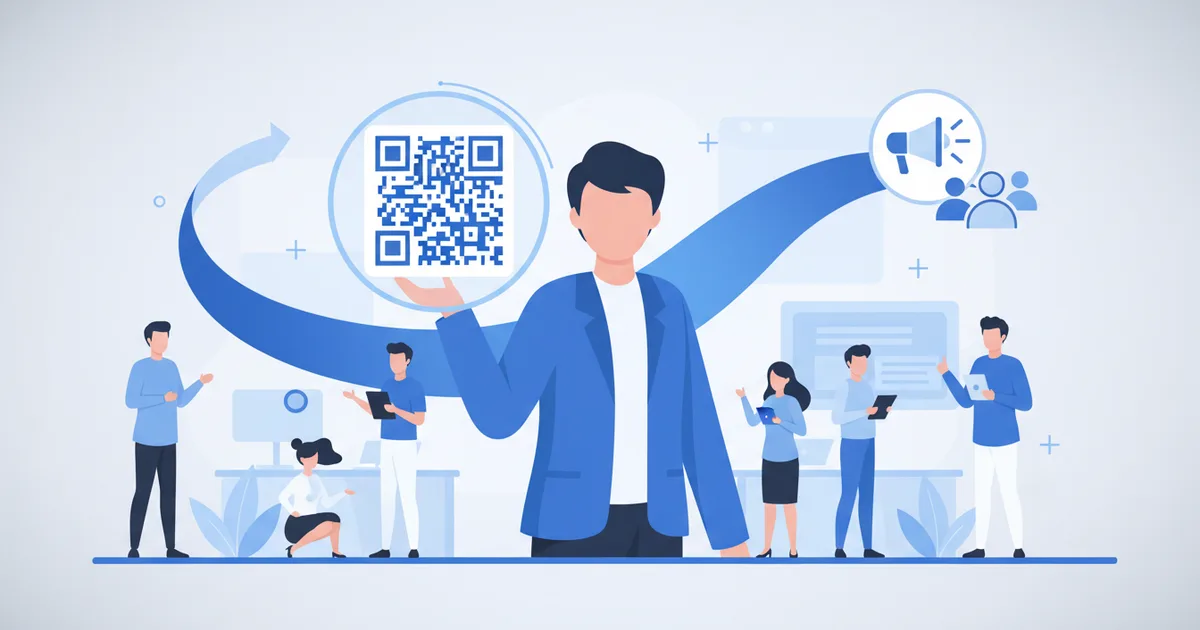
A QR code for networking at business events works like this: the person you meet scans the code on your badge or phone, your full digital business card opens in their browser, and they can save your contact or book a meeting in ten seconds, no app, no typing. That single mechanic fixes the oldest problem in conference networking: a paper card handed out at a booth is easy to lose or discard, and if it is entered at all it has to be typed into a phone by hand.
Professionals who work the conference circuit collect stacks of paper cards every year, and almost none of them turn into meetings, because follow-up requires manually entering the contact, remembering the context, sending an email, and waiting for a reply.
A paper card asks the other person to do the follow-up work; a QR code does the work for both of you.
A QR code on a digital card removes friction from both sides. The person you meet scans it, sees your full profile, and books a meeting or saves your contact in ten seconds. Your analytics log the scan and show which links were clicked, and the moment someone books or saves their details, that named lead lands in your dashboard.
Why QR Beats Paper at Arab Business Events
Business events in Dubai's DWTC, Riyadh's RICEC, Cairo's CICC, and Amman's JCC attract thousands of professionals who are actively looking for suppliers, partners, and service providers. Everyone is exchanging information. The professionals who stand out are those whose information is immediately actionable, not those who hand over the most impressive-looking card. Even in Cairo, one of the region's largest and least digitized markets, internet penetration reached 81.9 percent of the population at the start of 2025 according to DataReportal, so nearly everyone you meet can scan you on the spot.
Positioning Your QR Code for Maximum Scans
The QR code should appear on:
- Lanyard badge: Below your name, the natural scanning point during introductions
- Phone lockscreen: Set your Scaanme QR as your lockscreen wallpaper for easy display
- Presentation slides: First and last slide of any presentation you give
- Exhibition booth backdrop: Large-format print at eye level
- Branded notebooks or pens: If you give branded stationery, add your QR
What Happens After the Scan
This is where a digital card outperforms paper:
- Person scans your QR
- They see your full profile: photo, title, company, specialization, services
- They click the booking link and schedule a follow-up call
- You receive a notification with their name and booking time
- Your analytics show total scans from the event, click-through rates, and conversion to bookings
Turn on event lead capture and every scan can also leave you a name and contact detail, so the connection works in both directions. You leave the event knowing not just who you met, but who was genuinely interested enough to take action.
Preparing Your Card for a Specific Event
Before attending an industry-specific event, customize your card:
- Update your headline to match the event context ("Exhibiting at GITEX 2026")
- Pin a relevant case study or service that matches attendee interests
- Set up an event-specific booking type ("30-min post-GITEX consultation")
- Add the event hashtag to your tags
This targeting means the people who scan your card at a fintech conference in Bahrain see a different emphasis than those who scan it at a real estate expo in Riyadh.
Post-Event Follow-Up
Most professionals treat the last handshake as the end of the event. With a digital card it is the start of a measurable relationship:
- Engagement you can see: your dashboard shows how many people opened your profile after the event and which links they tapped
- Warm follow-up: the leads who booked or left their details land in your dashboard by name, so you follow up while the context is fresh
- Event review: after each event, count scans, bookings, and conversions
The audience is ready for this: internet penetration in Kuwait, host of many of the Gulf's business forums, reached 99.0 percent of the population in January 2025 according to DataReportal. Nobody you meet at a Gulf business event lacks the phone to scan you.
Measurement Changes Your Event Budget
A professional spending 5,000 riyals on an exhibition booth in Riyadh needs to know: how many people actually engaged, how many turned into calls, how many into deals. Without data these questions have no answers. With card analytics, the answer decides whether that event deserves next year's budget. Professionals in credential-heavy fields get the most from this: see how lawyers use the same mechanic in our guide to NFC business cards for lawyers in Kuwait and Bahrain.
There is a free plan available, and paid plans start from $7.99 per month; details on the pricing page.
FAQ
Do I need an app to scan a QR code at an event?
No, and neither does the person scanning you. Every modern phone camera reads QR codes natively, and your profile opens in the browser.
How do I put a QR code on my phone lock screen?
Download your card's QR image from your dashboard and set it as your lock screen wallpaper. During introductions, you raise your phone and the other person scans in seconds.
What should the QR link open: my LinkedIn or my digital card?
Your digital card. LinkedIn shows a resume; the card shows contact buttons, a booking link, and services, which is what a new connection acts on. Link your LinkedIn from the card.
Can I track which event brought which contacts?
Yes. Scans are logged with time and source, so you can compare events by scans, profile views, and bookings, and drop the events that never convert.