Salon Booking System: Fewer No-Shows, More Clients

A salon booking system lets clients pick a service, see your real availability, and reserve their slot themselves, any hour of the day, from a link on your digital card. You get an instant WhatsApp alert, the client gets a written confirmation, and nobody waited on hold or typed the same three questions into a chat. For salons and barbershops from Riyadh and Jeddah to Amman and Kuwait City, this is the difference between a calendar that fills itself and a phone that never stops interrupting your work. How many bookings did your salon lose last month because a WhatsApp reply came an hour late?
The Real Cost of WhatsApp-Only Booking
Most salons in the region already take bookings digitally, in the worst possible way: an inbox of unread WhatsApp messages competing with the client in the chair. The result is predictable. Messages pile up during the afternoon rush, two clients get promised the same 6 PM slot, and the ones who asked at midnight get an answer at 10 the next morning, long after they booked elsewhere.
Every unanswered booking message during a busy afternoon is a client quietly booking with the salon next door.
What the Numbers Say
Booking data from Phorest, whose software processes millions of salon appointments, shows around 30% of online bookings are made outside opening hours. Related research covered by Salon Today found only 54% of booking demand happens while the salon is open. A phone-and-WhatsApp-only salon is invisible to nearly half of its own demand.
How Online Booking Solves This
| Feature | Benefit |
|---|---|
| 24/7 availability | Clients book at midnight, you wake up to a fuller calendar |
| Real-time calendar | Clients see exactly which slots are actually free |
| Double-booking prevention | The system blocks conflicting times automatically |
| Written confirmations | Automatic for both you and the client |
| Google Calendar sync | Salon and personal schedule in one view |
| WhatsApp notifications | Instant alert the moment a booking lands |
Setup for Salons
- List your services with prices and durations: haircut 30 min, color 90 min, blowout 45 min, facial 60 min, nails 45 min. Real durations are what make the calendar trustworthy.
- Define availability: working days, prayer-time breaks, and seasonal hours like Ramadan evenings.
- Set buffer times: ten minutes between chairs keeps the schedule honest.
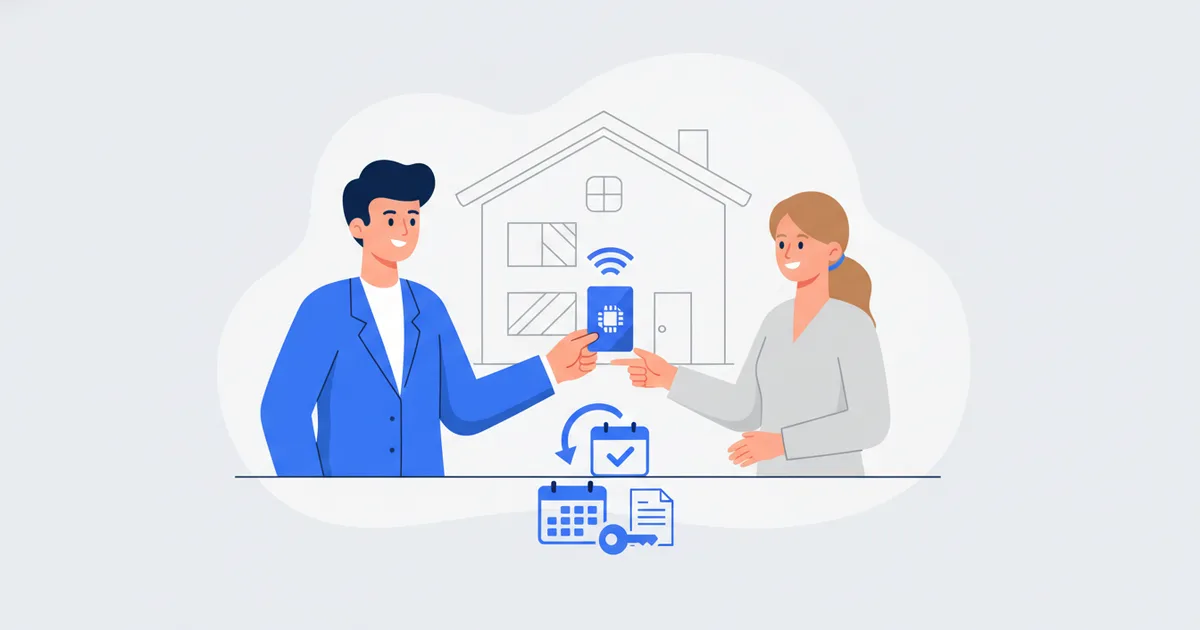
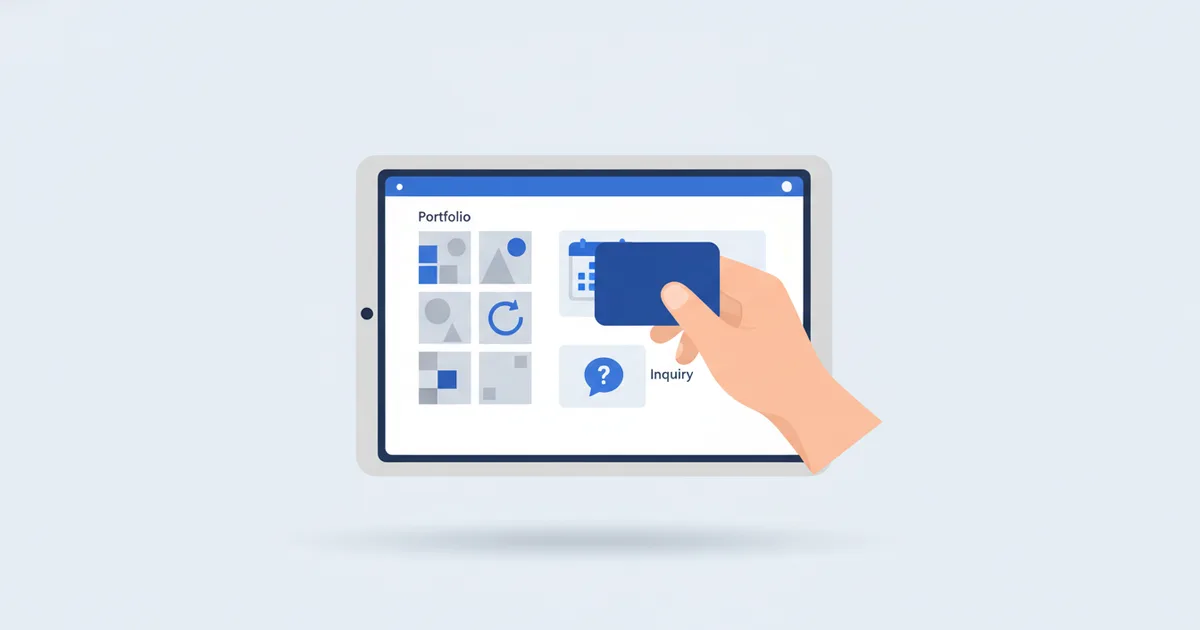
- Add booking to your digital card: clients scan the QR at reception, tap your NFC card, or hit the link in your Instagram bio, and the booking system does the rest.
Ladies Salons and Barbershops Work Differently
Ladies salons: in Saudi Arabia especially, clients strongly prefer booking without a phone call, choosing the service and time privately and getting a written confirmation. Put the full service menu with prices behind the booking button and let the calendar answer the "how much and when" messages.
Barbershops: keep walk-ins, but put the premium slots, evenings and weekends, online. Regulars book their standing appointment through the link, and your chair never sits empty at 8 PM while three people wait at 6.
Deposits and No-Show Policy
No-shows shrink when appointments cost something to abandon:
- Ask for a small deposit on services of 90 minutes or more, through your own payment link
- State a 24-hour cancellation window on the booking page
- Leave the automated email reminders switched on, so one lands the day before and one an hour ahead; a written confirmation plus a reminder is what a phone booking never leaves behind
- After two no-shows, a client books by deposit only
For the general playbook that applies beyond salons, see our online booking setup guide.
Promote Your Booking Link
- Instagram bio and every story about a fresh cut or color
- Google Business Profile booking link
- WhatsApp status and auto-reply: send the link instead of typing available times
- Printed QR at reception for the client who says "I will come back"
- NFC card at the counter; Scaanme links any card you own for free
Turn Regulars into Wallet Members
A salon runs on repeat visits, and the wallet pass is how you keep them coming back. At checkout, save the client's card as an Apple or Google Wallet pass: the booking link and your number stay one tap away and always current. A monthly Holder Broadcast, "Two evening slots left this weekend", fills the calendar from clients who already chose to keep your card, and a Nearby Offer nudges a regular who works or lives close by. It is digital loyalty without a paper stamp card, and because saved passes are counted net of removals, you see how loyal that audience really is.
FAQ
How much does a salon booking system cost? With Scaanme it is built into your digital card platform: a free plan is available and paid plans start from $7.99/month. Compare that with standalone salon software before you commit; details on the pricing page.
Can clients book without downloading an app? Yes. The booking page opens in any browser from a link, QR scan, or NFC tap. No app, no account creation, no password.
How do online bookings reduce no-shows? Every booking produces a written confirmation and a calendar entry on the client's phone, and reminders go out before the appointment. Add deposits on long services and late cancellations drop sharply.
Does it handle multiple staff members? Yes. Give each stylist or therapist their own availability calendar, and clients pick the person they want when they book; the system then prevents overlaps for that specific staff member, so two clients never get promised the same chair.
What is the best booking system for a ladies salon? The one that shows your services with prices and durations, confirms in writing, sends reminders, works from a single link with no app, and lives inside the tools you already pay for rather than a separate subscription. Start free at scaanme.com/register.