Online Booking on Your Digital Card: Setup Guide

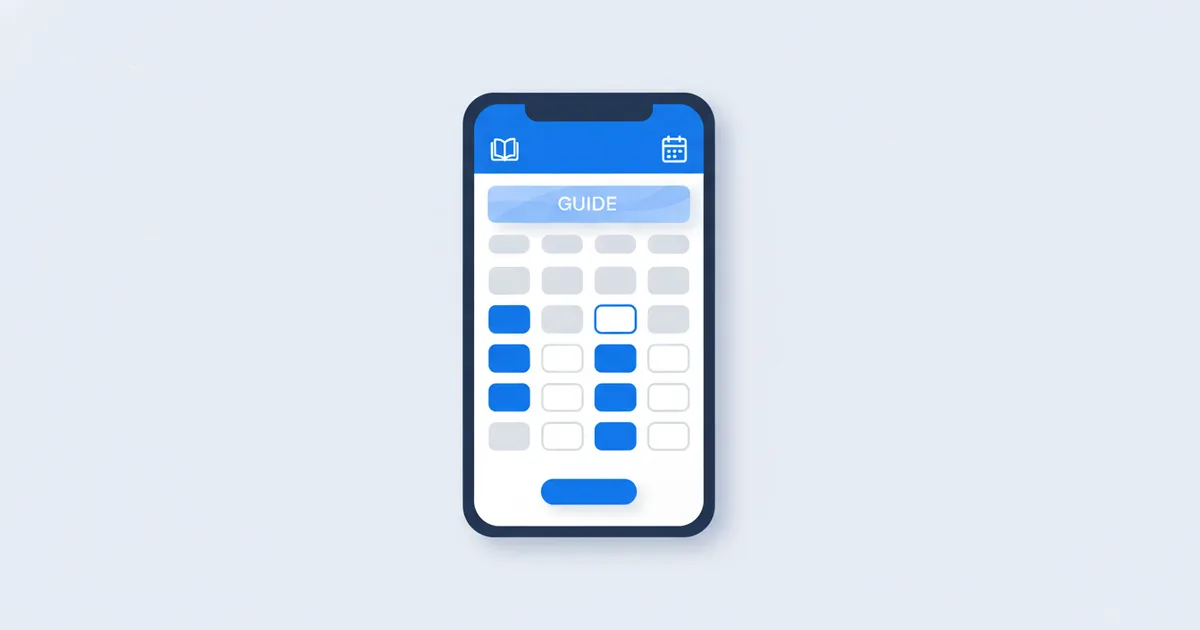
An online booking system lets clients pick a service, see your real availability, and reserve a slot themselves, from their phone, at any hour, without a single phone call. With Scaanme, the booking system is built into your digital business card, so the same link that introduces you also fills your calendar. No separate app for you, no app for your clients. This guide covers the setup steps, Google Calendar sync, WhatsApp notifications, no-show policies, and which service businesses gain the most from switching.
Why Online Booking Matters
The clearest numbers come from the appointment industry itself. Data from Phorest, which processes millions of salon and clinic bookings, shows around 30% of online appointments are booked outside business hours, and its research reported by Salon Today found that only 54% of booking demand happens while the business is actually open. In other words, a phone-only schedule leaves close to half of client intent with nowhere to go.
Every hour your calendar is phone-only, nearly half of your potential appointments have no way to happen.
Think about your own clients in Amman or Irbid: they remember they need an appointment at 10 PM, after work and dinner. Whoever lets them book in that moment wins the slot.
How Booking on a Digital Card Works
- Set availability: define working days, hours, break times, and how long each service takes
- Add services: list every service with a clear description and duration
- Share your link: it lives on your digital card, so every QR scan, NFC tap, WhatsApp message, and Instagram bio click reaches it
- Auto-confirm: the client gets an email confirmation and calendar invite; you get notified instantly
Key Features to Use
| Feature | Benefit |
|---|---|
| Custom time slots | Control exactly when you are available |
| Double-booking prevention | The system blocks conflicting times automatically |
| Google Calendar sync | Two-way sync keeps work and personal life in one view |
| Email confirmations | Automatic for you and the client |
| WhatsApp notification | Instant alert the moment a booking lands |
| Buffer time | Breathing room between appointments |
The WhatsApp Notification Flow
This is the piece that makes online booking work in the Arab world. A client books at midnight; you see the WhatsApp alert with your morning coffee; the client already received a confirmation. Nobody made a call, nobody waited for a reply, and the appointment is locked in with zero back-and-forth messages.
No-Show Policies That Actually Work
Online booking cuts no-shows because every appointment is confirmed in writing, but pair it with policy:
- Confirmation plus reminder: the confirmation opens in WhatsApp and sets the commitment; an automated email reminder follows the day before
- Cancellation window: state clearly that cancellations need 24 hours notice
- Deposits for long sessions: for 90-minute services, ask for a small deposit through your own payment link
- Track repeat offenders: two no-shows means the client books by deposit only
Who Gains the Most
- Clinics and doctors: patients book follow-ups right after scanning your card
- Salons and spas: multi-service bookings with accurate durations; see our dedicated guide to salon and spa booking
- Consultants and lawyers: discovery calls and paid sessions without the secretary ping-pong
- Personal trainers: recurring weekly sessions on autopilot
- Photographers: shoot bookings with location details collected upfront
Setup in 5 Minutes
- Enable the booking module in your Scaanme dashboard
- Set your weekly availability and buffer times
- Add your services with durations and descriptions
- Share your card link; the booking button is now live everywhere your card goes
A free plan is available and paid plans start from $7.99/month; see pricing for details, or create your card and switch on booking today.
Turn One Booking Into a Standing Habit
For repeat-visit businesses, salons, clinics, and trainers, the value is in the second, fifth, and tenth appointment, not just the first. After a client books, let them save your card to Apple Wallet or Google Wallet: the booking button and your phone number stay one tap away on their lock screen, and the pass updates itself whenever your hours or services change. A single Holder Broadcast can nudge every past client to rebook, for example a quiet-week message with two open slots, and a Nearby Offer reminds a client to drop in when they are close by. This is loyalty without a points card, and it turns a one-time booking into a standing habit.
FAQ
Do I need a separate app for online booking? No. The booking system is built into your digital card and opens in any browser. You manage appointments from your dashboard, and clients book without downloading anything.
How much does an online booking system for a small business cost? With Scaanme it is part of the card platform: a free plan is available and paid plans start from $7.99/month, which is far below standalone scheduling software.
Does it sync with Google Calendar? Yes, two ways. Bookings appear in your Google Calendar, and times you block there stop being offered as open slots.
How do online bookings reduce no-shows? Every booking generates a written confirmation and a calendar entry on the client's side, which is exactly what a phone booking never leaves behind. Automated reminders then go out 24 hours and one hour before the slot, and late cancellations drop sharply.