Arabic-English Digital Business Cards Done Right

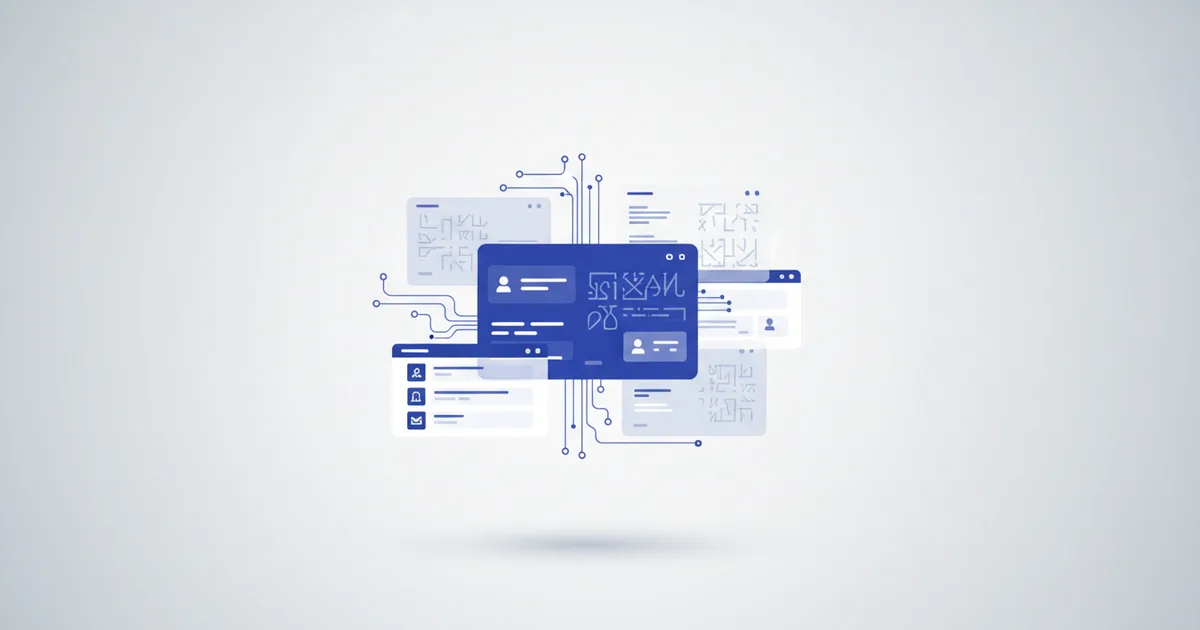
Can one digital business card show Arabic and English automatically? Yes. A ScaanMe digital business card reads the visitor's browser language and serves Arabic to Arabic readers and English to everyone else, flipping the whole layout to true right-to-left for Arabic. You build one card, fill in both languages, and every client sees your details in the language they think in. No app, no manual switching, no second card. This guide covers how the auto-switch works, what real RTL support means, and the mistakes that make bilingual cards look broken.
Why Arabic plus English is the real requirement
Generic advice about multi-language cards for global clients misses how business actually runs in Amman, Kuwait City, Riyadh, and Cairo: two languages at once. Arabic with local clients, family businesses, and government contacts. English with international partners, expat colleagues, and suppliers. UNESCO puts the number of Arabic speakers at more than 400 million people worldwide, yet Arabic still makes up less than 1 percent of online content. That gap is your opening: a card that greets Arab clients in proper Arabic stands out immediately.
A paper card handles two languages by cramming English on the front and Arabic on the back, both in a font size nobody over forty can read comfortably. A digital card handles it properly: one link, two complete profiles, automatic selection.
How the automatic language switch works
- Build your profile in your first language. Name, title, company, services, contact details, and links.
- Add the second language. ScaanMe supports 45+ languages. For most professionals in our markets, that means completing the Arabic and English pair.
- Visitors see their own language. The card checks the visitor's browser language. A phone set to Arabic opens the Arabic card; a phone set to English opens the English card.
- Manual override is always there. A language switcher sits on every card, so a bilingual visitor can flip whenever they want.
Your client does nothing. The card simply arrives in their language.
What true RTL support actually means
Many platforms claim Arabic support and deliver left-aligned Arabic text inside an English layout. Real right-to-left support is a checklist, and every item is verifiable on a live card:
- The entire layout direction mirrors, not just the text alignment.
- Arabic text flows right to left everywhere, including lists, tables, and buttons.
- Arabic-optimized fonts render at a comfortable size. ScaanMe applies a 1.1x size uplift because Arabic glyphs read smaller than Latin letters at the same point size.
- Mixed-direction content behaves: phone numbers, URLs, and email addresses stay left-to-right inside right-to-left sentences instead of scrambling.
- Icons, menus, and action buttons swap sides so the Arabic card feels native, not translated.
An Arabic card rendered inside an English layout is not bilingual. It is English with subtitles.
Who needs the Arabic-English pair most
| Professional | Why both languages |
|---|---|
| Real estate agents in Saudi and the Gulf | Arabic buyers, English-speaking investors |
| Tourism and hospitality in Jordan and Egypt | Arab guests plus international visitors |
| Consultants, lawyers, accountants | Arabic for local firms, English for cross-border work |
| Doctors and clinics | Patients prefer Arabic, referrals arrive in English |
| Import-export traders in Kuwait | Arabic locally, English with overseas suppliers |
Best practices for bilingual cards
- Write the Arabic yourself or have a native speaker review it. Machine-translated Arabic is instantly recognizable and quietly damages trust.
- Keep your name consistent: decide once how it is written in each language and use that everywhere, from the card to invoices.
- Test both directions on a real phone before sharing widely, especially tables, prices, and business hours.
- Keep one link for both languages. A custom domain keeps that link brandable in both alphabets.
- Save the card to your phone wallet for offline sharing; the Apple and Google Wallet guide shows how.
Set it up in ten minutes
Create your free card at the registration page, complete the English profile, then open the language panel and add Arabic. Fill the same fields in Arabic, preview both directions on your phone, and share one link everywhere: WhatsApp, Instagram bio, email signature, or your own NFC tag.
Bilingual cards are included in the ScaanMe free plan, with paid plans from $7.99/month for advanced features. Compare on the pricing page.
FAQ
Can one digital card show Arabic and English automatically?
Yes. The card detects the visitor's browser language and serves the matching version. Arabic phones get the Arabic card with full RTL layout, everything else defaults to English, and a visible switcher allows manual change at any time.
Does the Arabic version cost extra?
No. Both languages live on the same card. The free plan includes bilingual profiles, and paid plans from $7.99/month add advanced features like analytics and custom domains.
Will phone numbers and links break in the Arabic layout?
No. Numbers, emails, and URLs are isolated from the surrounding Arabic text so they always read left-to-right and stay tappable.
Can the Arabic card say different things than the English card?
Yes. Each language version is fully editable on its own, so your Arabic card can emphasize local services while your English card speaks to international clients.