Digital Wedding Invitations Guests Tap and Save (2026)

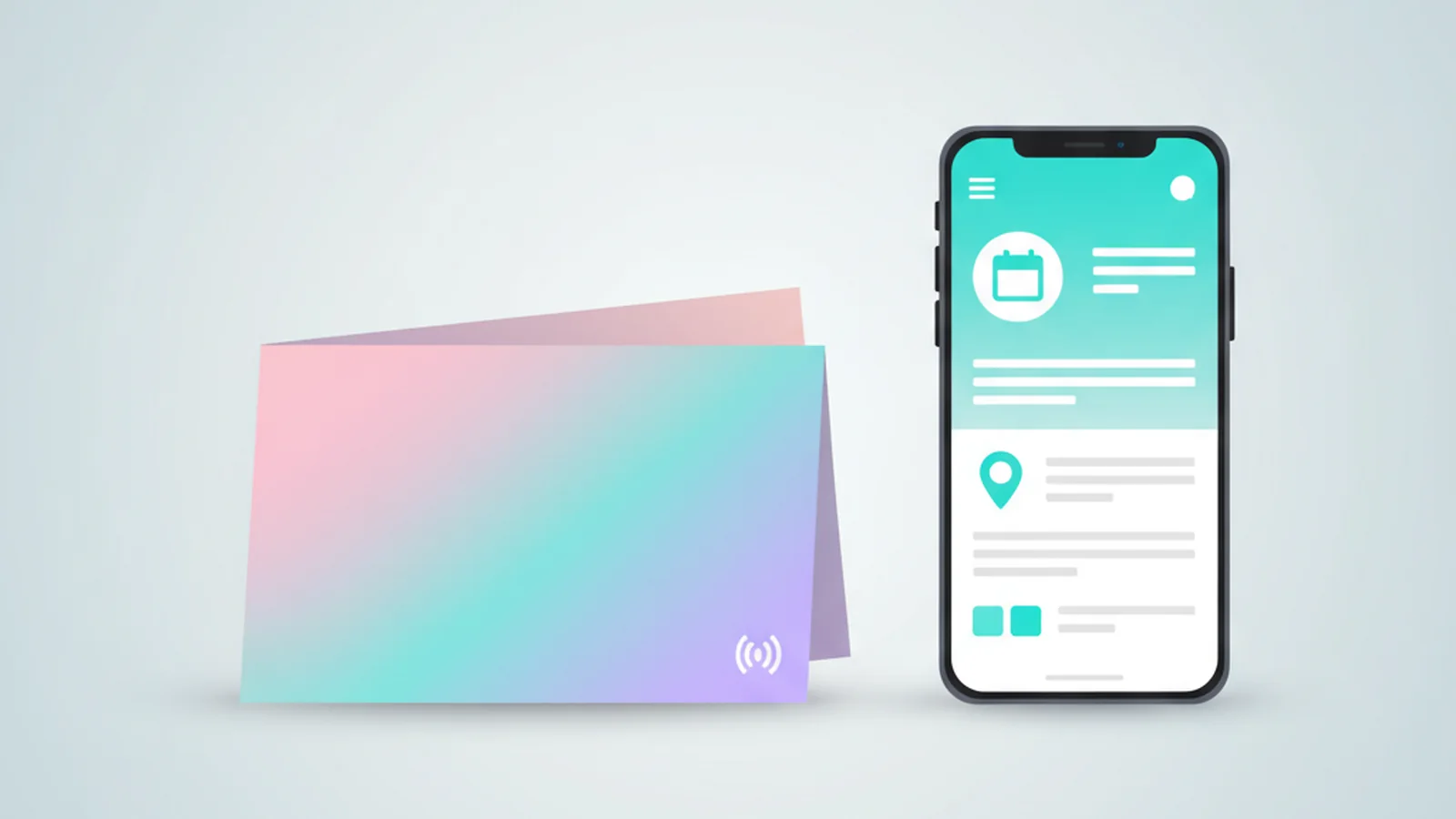
Yes. ScaanMe lets a couple or an event organiser build a single digital invitation page that guests open by tapping an NFC card or scanning a QR code. In one tap the guest sees the invite, adds the event to their phone calendar, opens the venue on the map, follows an RSVP link, and saves the host's contact. It works fully in Arabic with right to left layout and in English, so one link serves every guest.
Why send a digital invitation at all?
A paper invitation is beautiful, but it stops working the moment the guest puts it down. The date is not in their calendar, the venue is not in their map app, and if they lose the card they lose the details. A photo of an invitation sent on WhatsApp has the same problem: it is an image, so nothing on it is tappable.
A ScaanMe digital invitation stays useful from the day it arrives until the guest is standing at your door. It is a live web page (a PWA), so the calendar entry, the map, and the RSVP link are all one tap away, and you can update details without reprinting anything. You also see analytics on how many people opened the invite, which is a genuinely useful signal in the weeks before the event. A paper invite is a moment; a digital invite is a working assistant from send date to wedding day.
The audience habits support this. In Saudi Arabia, social media user identities reached 111% of the population in October 2025, and in Kuwait 87.9%, per DataReportal's Digital 2026 reports. Your guests already live on their phones; the invitation should live there too. It runs on the same digital business card engine that powers professional ScaanMe profiles across the Gulf.
What can guests actually do with the invitation?
When a guest opens your ScaanMe invitation they can:
- Save the date to their calendar. One tap creates a calendar event on iPhone or Android using the standard iCalendar (.ics) format, so it lands in Apple Calendar, Google Calendar, or Outlook.
- Open the venue on a map. The location button launches Google Maps or Apple Maps with directions to the hall.
- RSVP. You add a button that links to your RSVP form or a WhatsApp message, so guests confirm in seconds.
- Save your contact. A digital contact card (vCard) drops your name and number straight into their phone.
- Add the event to Apple Wallet or Google Wallet, so the date sits in the same place as their boarding passes and tickets.
One honest note. ScaanMe is a digital identity and invitation page tool, not a dedicated RSVP guest list manager. It does not count seats or track meal choices for you. What it does is give every guest a fast RSVP link that points to whatever form or chat you already use, so responses land where you manage them.
Can I send the invitation in Arabic and English?
Yes, and this is where ScaanMe fits Gulf and wider Arab weddings especially well. The invitation supports full Arabic with correct right to left layout, and 45 or more languages in total. Numbers, dates, and times are handled so they read correctly in both directions, which matters when your guest list mixes Arabic and English speakers. You can present the same event beautifully to family in Arabic and to international guests in English from one link.
Can I attach it to a printed invitation with NFC?
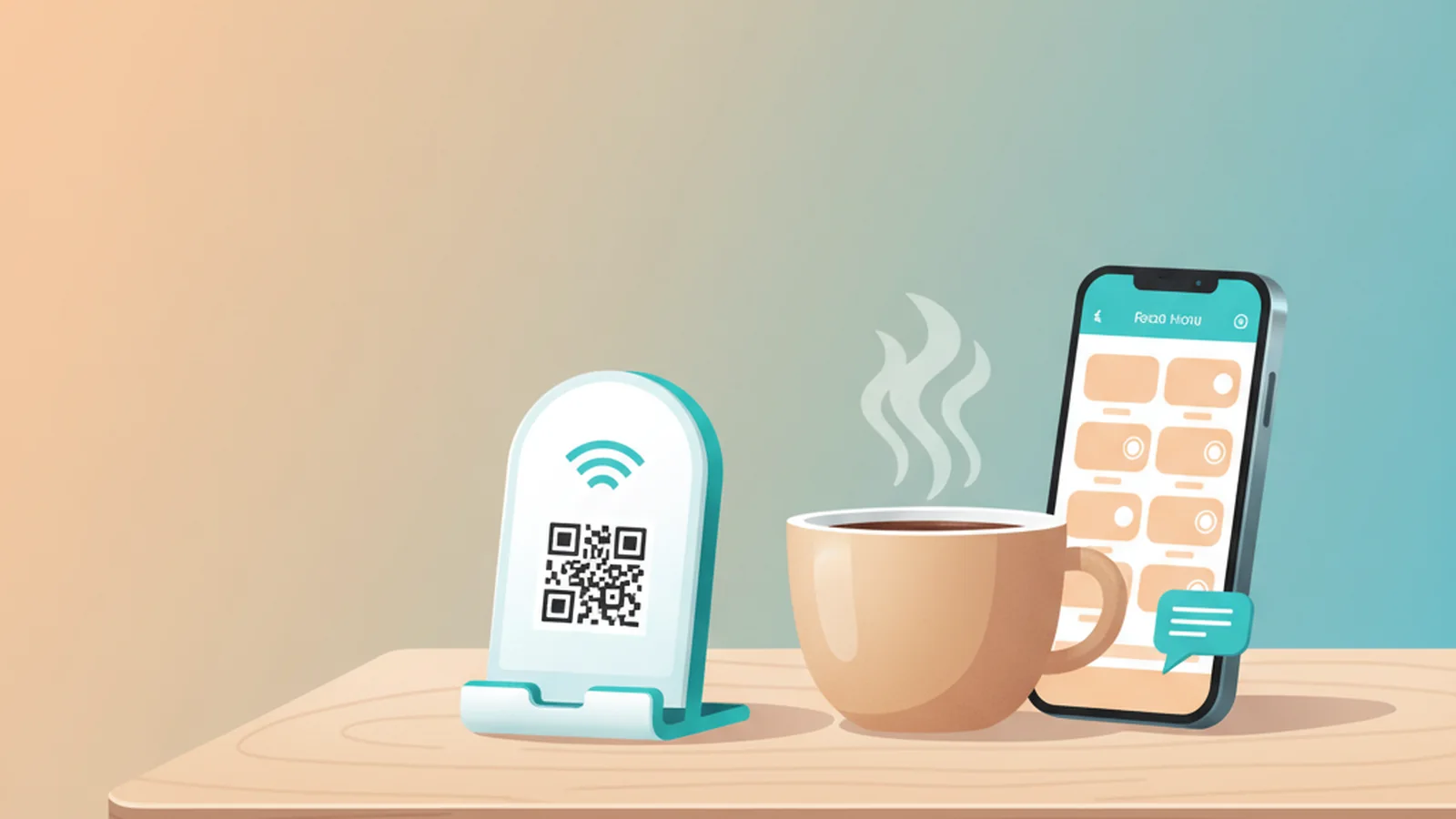
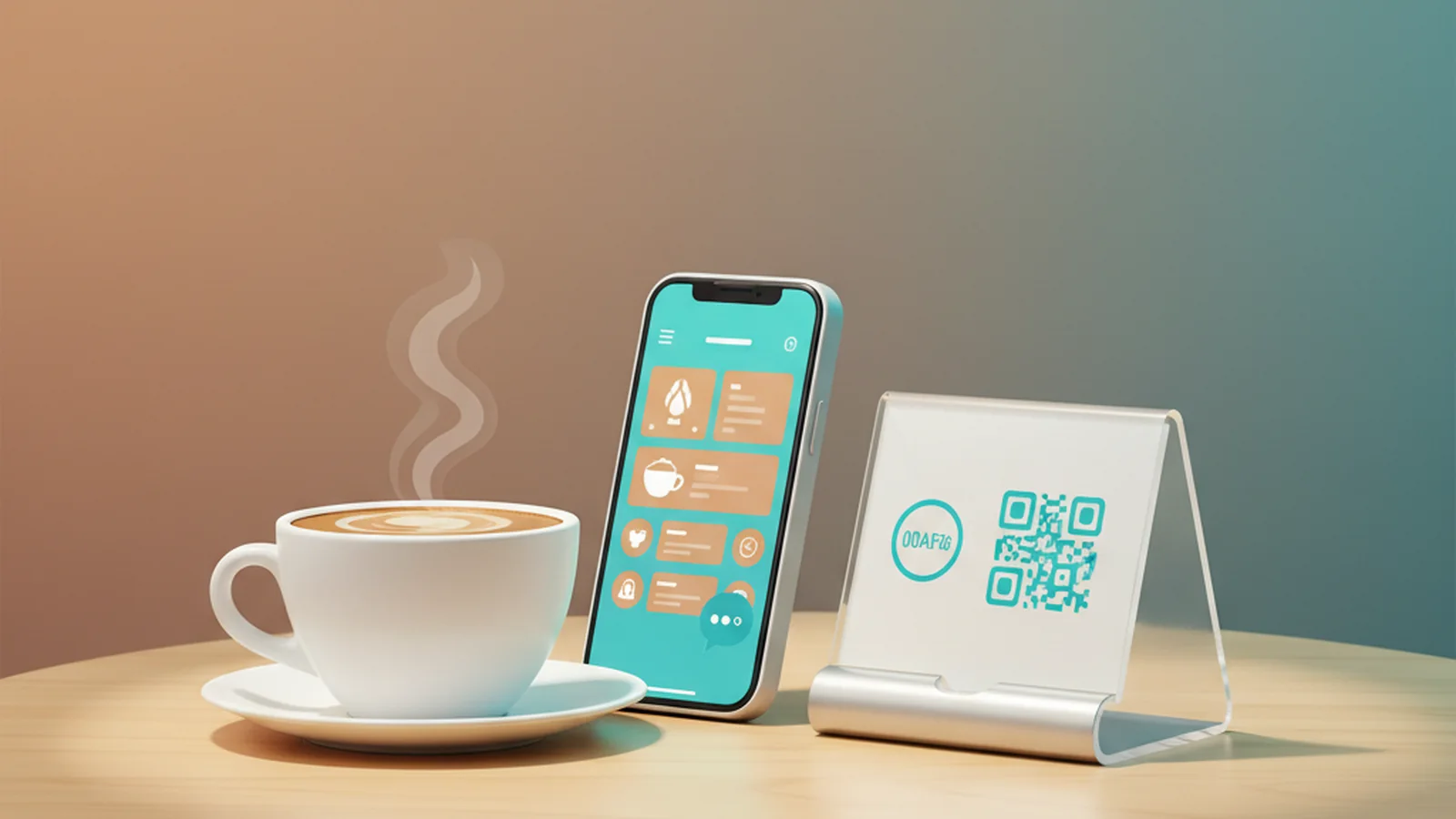
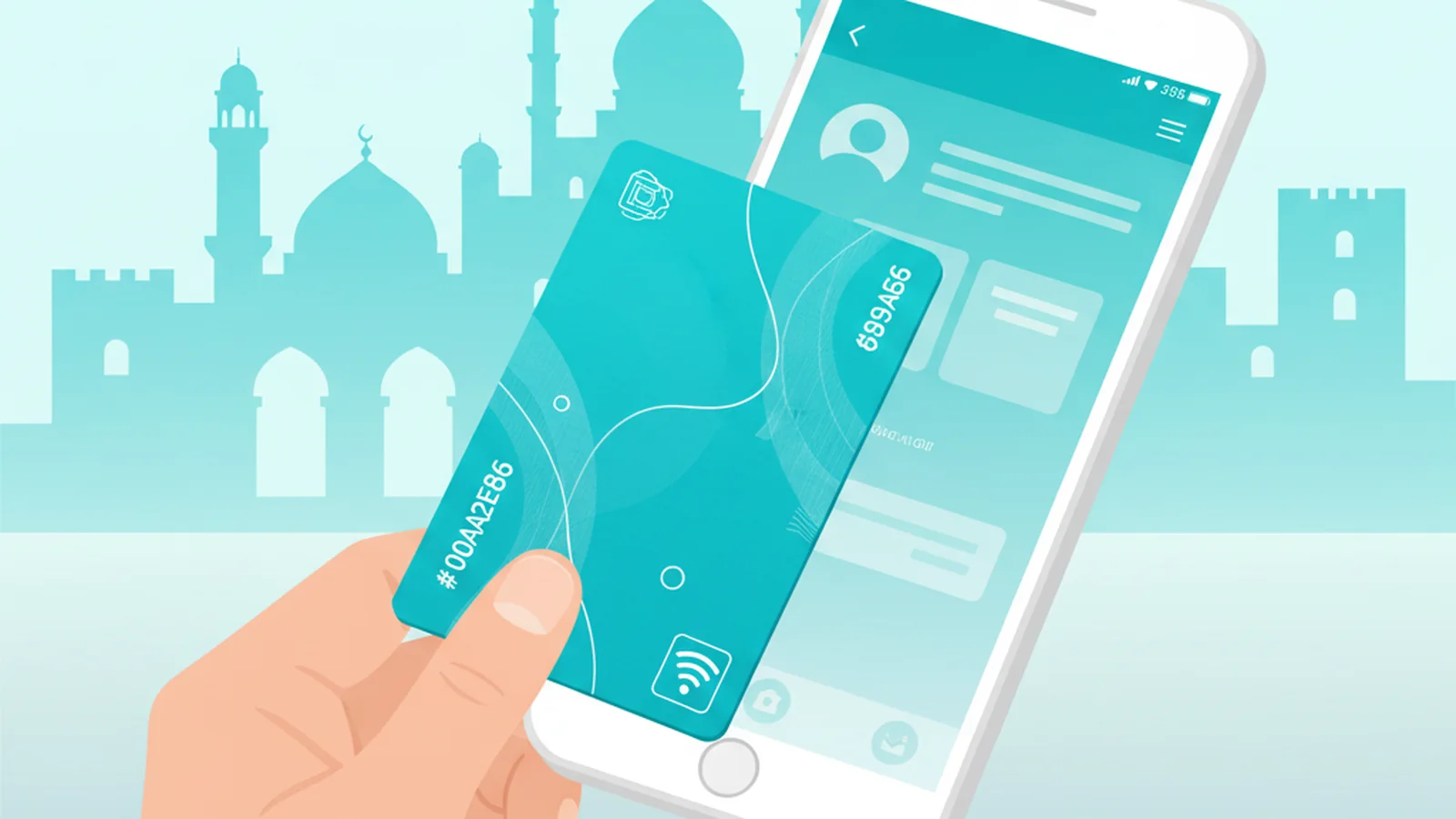
Yes, and you keep your printed card. ScaanMe links any customer owned NFC card, sticker, or tag for free. That means you can buy a plain NFC sticker, place it inside or on the back of your printed invitation, and program it to open your ScaanMe page. The guest taps their phone to the paper invite and the digital experience opens instantly. No app to install for the guest.
For guests with older phones or NFC turned off, ScaanMe also generates a QR code you can print on the same card, so nobody is left out. To learn how the tap works under the hood, the NFC Forum maintains the open standards that every modern phone follows.
Paper invite vs generic e-invite vs ScaanMe digital invitation
| Capability | Paper invite | Generic e-invite image | ScaanMe digital invite |
|---|---|---|---|
| Guests tap or scan to open | No | Rarely | Yes, NFC tap and QR |
| Save the date to calendar | No | No | Yes, one tap .ics |
| Venue map with directions | No | No | Yes |
| RSVP link | No | Sometimes | Yes, links your form or chat |
| Save host contact | No | No | Yes, vCard |
| Arabic and English | Reprint each | Separate images | Yes, one link, 45+ languages |
| Reusable NFC on printed card | No | No | Yes, free, bring your own tag |
| Update details after sending | No | No | Yes, edit anytime |
| Cost | Per print run | Design fee | Free to $15.99/mo |
Create your digital invitation in 5 steps
- Sign up at scaanme.com and create a new page for your wedding or event.
- Add the essentials: couple or host names, date and time, venue, a short welcome message, and your photos.
- Add the action buttons: Save the date, Open map, RSVP link (point it at your form or WhatsApp), and Save contact.
- Set your languages. Turn on Arabic and English so the invitation adapts to each guest, then preview both.
- Connect it. Tap your own NFC sticker onto the page to program it, or print the QR code on your invitation, then share the link directly with guests who prefer a message.
How much does a ScaanMe digital invitation cost?
ScaanMe pricing is simple and exact, and always current on the pricing page:
- Lite: free. Enough to build and share a working digital invitation.
- Pro: $7.99 per month. More customisation for a polished event page.
- Pro Max: $15.99 per month. Adds appointments, the booking system and full branding, so the invite carries your name alone.
Compare that with traditional Gulf wedding invitations, where a single print run for a few hundred guests routinely costs more than a full year of Pro Max, and any correction means paying for the run again. With a digital invitation the correction is an edit, and the budget you save goes to the wedding itself. If the family also runs a business, the same account can later power a WhatsApp store card.
Because you bring your own NFC sticker or tag and ScaanMe links it for free, there is no hardware cost from us. You can start on the free Lite plan today and upgrade only if you want a custom domain or extra branding for the big day.
Frequently Asked Questions
Can guests save the date to their calendar?
Yes. Your invitation includes a save the date button that creates a calendar event using the standard iCalendar (.ics) format, so it adds to Apple Calendar, Google Calendar, or Outlook in one tap. Guests can also add the event to Apple Wallet or Google Wallet.
Does it work in Arabic?
Yes. ScaanMe supports full Arabic with correct right to left layout, plus English and 45 or more languages in total. One link serves Arabic speaking family and international guests, with numbers, dates, and times rendered correctly in both directions.
Can I attach it to a printed invitation with NFC?
Yes. ScaanMe links any NFC card, sticker, or tag you already own, for free. Place the sticker on or inside your printed invitation and program it to open your ScaanMe page. A QR code is also generated for guests whose phones do not tap.
Can guests RSVP?
Yes, with an honest caveat. ScaanMe adds an RSVP button that links to your own RSVP form or a WhatsApp chat, so guests confirm in seconds. ScaanMe itself is an invitation page tool, not a full guest list or seating manager, so the responses collect wherever your form or chat sends them.
How much does it cost?
The Lite plan is free, Pro is $7.99 per month, and Pro Max is $15.99 per month with appointments, the booking system and your own branding. You supply your own NFC sticker and ScaanMe links it at no cost, so there is no hardware charge from us.
Can I see who opened the invitation?
No, not by name. ScaanMe analytics show how many times your invitation was opened and when, so you get an early read on engagement in the weeks before the event, but they do not identify individual guests. For named, per-person tracking, point the RSVP button at your own form so responses arrive with each guest's name.
Ready to send an invitation your guests can actually keep? Build your digital wedding or event invitation free at scaanme.com/register.