How to choose a QR menu platform in Saudi Arabia (2026)

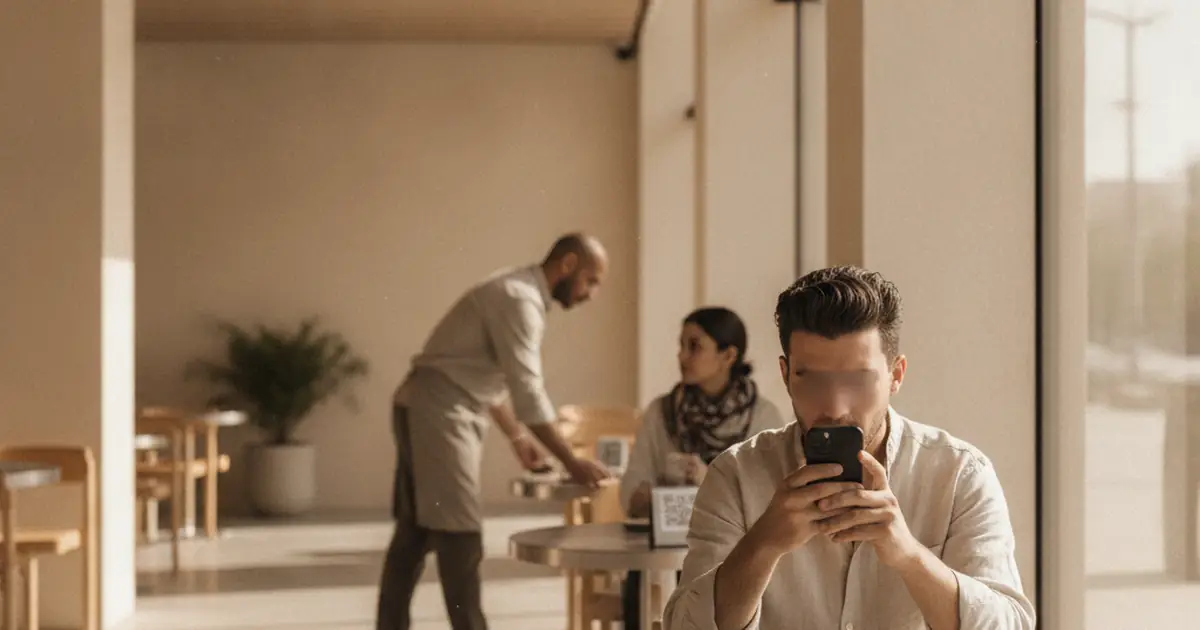
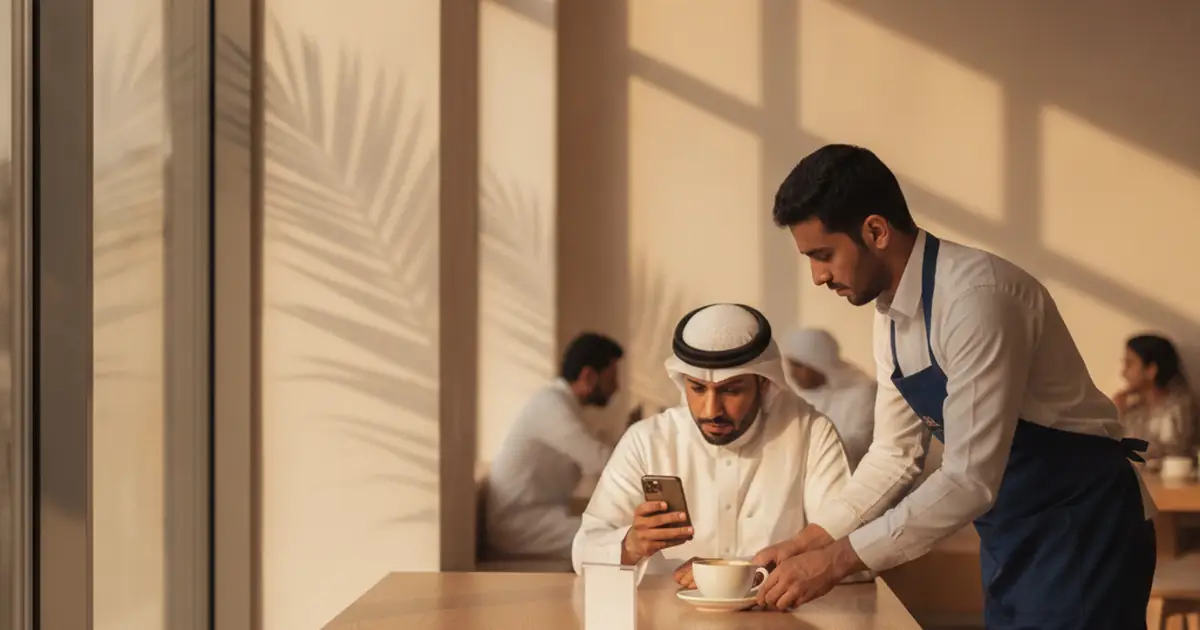
Every QR menu vendor describes the same product in the same words, which makes the choice harder than it should be. The decision comes down to questions the marketing copy skips: how the Arabic renders on a phone, whether each table carries its own code, where an order lands after a guest taps send, and what breaks the day you change POS.
What the menu has to do on a Saudi table
A dining room in Riyadh, Jeddah or Khobar has a mixed crowd: some guests read Arabic and some read English, often at the same table. Calorie figures are expected next to the item, not buried in a PDF. Prices move faster than a print run allows. Ramadan is a second menu that appears and disappears on a date, with iftar sections that make no sense in Shaaban.
Write those four down before you open a demo, and ask each vendor to show all four on a live account. Some tools cover part of that list properly and hand-wave the rest. The QR menu for Saudi restaurants page has the version of this list we work from.
Check the Arabic before you check anything else
Arabic support in a menu builder means two things, and vendors use one phrase for both. The weak version accepts Arabic characters. The real version lays the page out right to left: prices aligned on the correct side, category tabs that do not truncate mid-word, and Latin item names like Flat White sitting inside an Arabic line without scrambling the words around them.
Test it in ten minutes. Ask for a trial, enter three real items with Arabic descriptions, one with a Latin word in the middle, plus a long category name. Open the result on a phone, not a laptop. Switch to English and back and see whether the choice sticks. Run the same check on a Thursday night with a full section, not only in a quiet demo.
Per-table codes and where the order lands
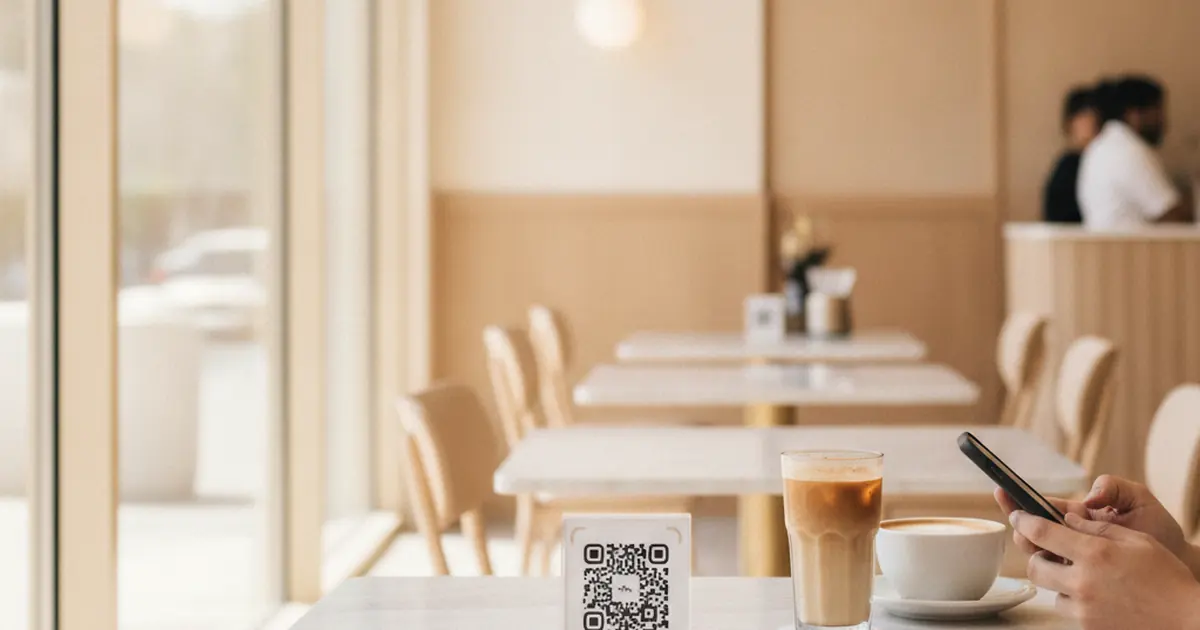
One code for the whole venue is fine when the menu is only a menu. The moment guests send orders from their seats, the code has to carry the table number, or staff spend the shift asking who ordered the mixed grill.
Then ask where that order goes. Some tools drop it into a dashboard somebody has to watch. Others send it to a receipt printer, so ask which printers they support before you count on it. In Saudi Arabia, WhatsApp is a channel your staff and guests already use every day, so an order arriving as a WhatsApp message is one your cashier sees without a new screen. For the country-level picture behind that habit, DataReportal's Digital 2026: Saudi Arabia report tracks connectivity, mobile use and social platform adoption year on year. Table ordering built this way needs no app on the guest side and no terminal on yours, and outside the dining room the same product list runs as a WhatsApp store.
POS-attached tools and standalone menu builders
Two shapes are common. POS-attached menu modules come bundled with the till you already bought, so setup is short and your items are already typed in. Standalone builders sell the menu on its own and stay out of billing. A third shape sits between them: a menu layer that runs beside the POS and stays portable.
| Question to ask | POS-attached module | Standalone builder | Menu layer beside your POS |
|---|---|---|---|
| Who holds the menu data | Your POS vendor | The menu vendor | The menu vendor, yours to export |
| Arabic RTL depth | Varies, ask to see it on a phone | Varies, ask to see it on a phone | Built for it from the start |
| Per-table ordering | Sometimes, inside their stack | Ask, it is not always included | Yes, orders arrive on WhatsApp |
The bundled module carries one real risk: the exit. It is cheap while you stay and expensive the week you move, because the items, the photos and the printed codes belonged to the system you left. Ask the POS vendor whether you can export the menu and keep the QR link alive after the subscription ends. That answer tells you what the bundle really costs.
Cost to start, and what a free tier usually hides
Free tiers differ in what they cap: item count, photo count, how many separate menus you get, and whether vendor branding sits on your page. The cap worth checking hardest is the QR code. A static code encodes the content, so changing the menu means printing again. A dynamic code points at a link you control, and the sticker outlives every price change.
Some venues put an NFC tag in the same table stand so a guest can tap instead of scan. The NFC Forum explains what those tags hold and how a phone reads one. Scaanme does not sell or ship tags. It links a tag you already own to your menu at no cost.
Our free QR menu page lists what the no-cost tier includes, and this comparison of digital menus and WhatsApp stores covers which of the two to build first.
Where Scaanme fits
Scaanme is the menu layer that sits beside your till system. It does not run your cash drawer, stock counts or tax filing, and makes no claim to handle ZATCA e-invoicing. It holds the menu: published behind a QR you print once and edited from your phone. Orders go to WhatsApp.
- Arabic and English behind one code, with real right-to-left layout.
- Calorie counts and dietary labels per item.
- Separate menus for dine-in, takeaway and room service, each with its own code, plus seasonal sections you switch on for Ramadan and off after Eid.
- A free plan, and no app for the guest.
The QR menu product page walks through setup. If takeaway is growing faster than your dining room, read how Saudi restaurants run a WhatsApp store beside the menu.
Frequently Asked Questions
Do I have to replace my POS to use a QR menu? No. A QR menu is a separate layer that publishes your menu and, if you want it, takes orders, while the POS keeps handling billing, stock and reporting. A later POS change then does not force you to rebuild the menu.
Does Scaanme handle ZATCA e-invoicing? No. Scaanme does not issue tax invoices and makes no e-invoicing claim. Invoicing stays with your POS or your accounting provider.
Can each table have its own QR code? Yes. Create a code per table so an order arrives with the table already attached, and keep a general code for the entrance and for takeaway packaging.
What happens to my printed codes when I change a price? Nothing. The code points at a link, and the menu behind that link updates the second you save. You reprint only when the code itself changes.